For fashion and apparel stores

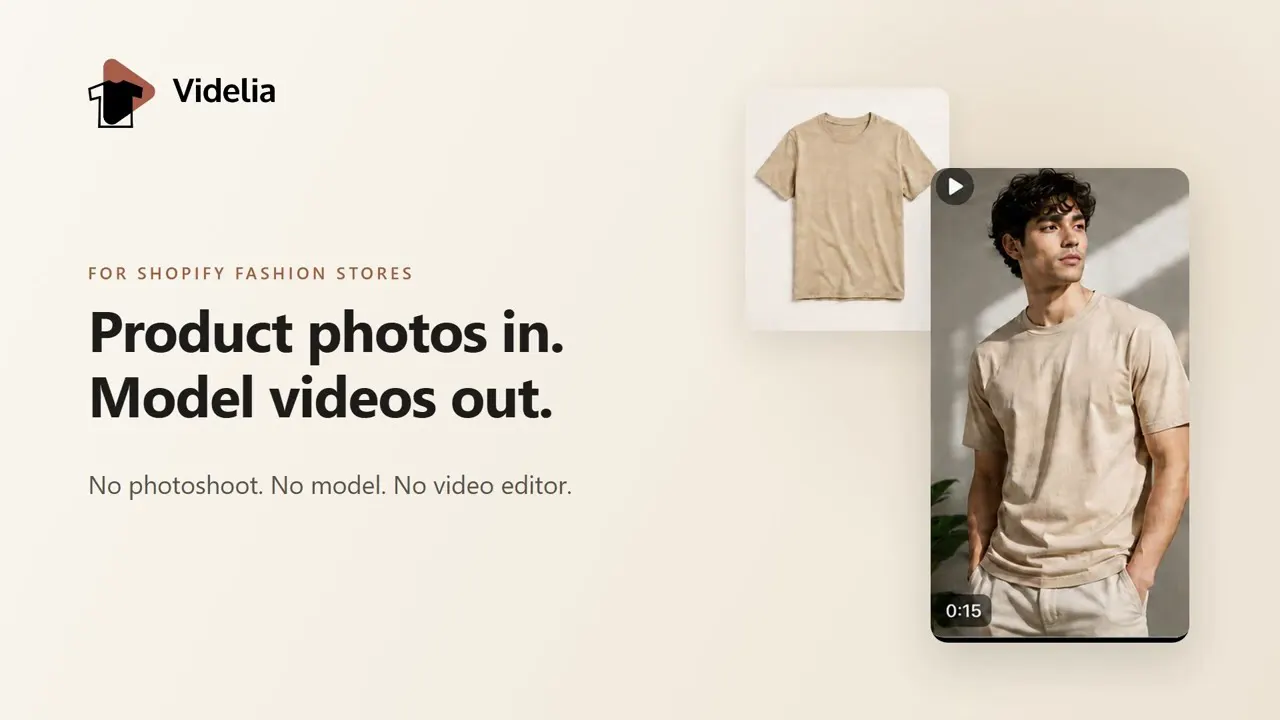
Product photos in.
Model videos out.

Videlia puts the clothes you already photographed onto an AI model and renders a short video, ready for your product page, TikTok or Reels. No photoshoot. No model. No video editor.

Free plan, no card required Billed through Shopify Unused credits roll over

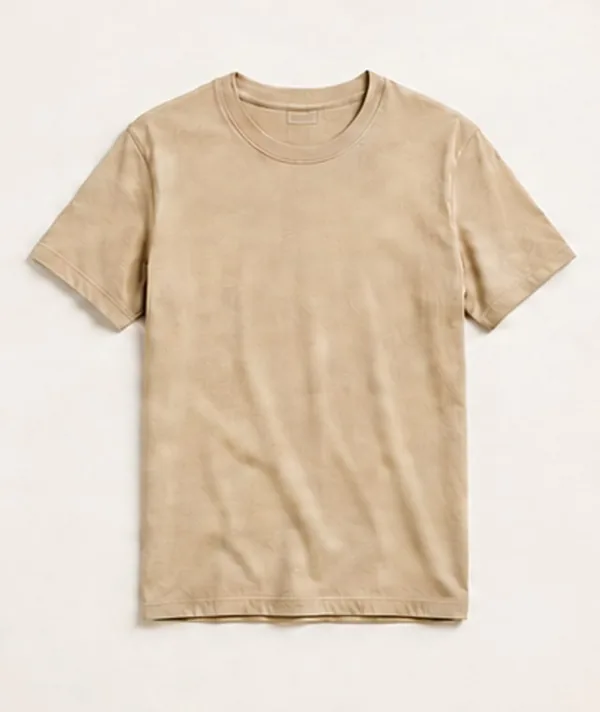
A flat-lay photograph of a beige cotton t-shirt on a cream studio backdrop
Your product photo
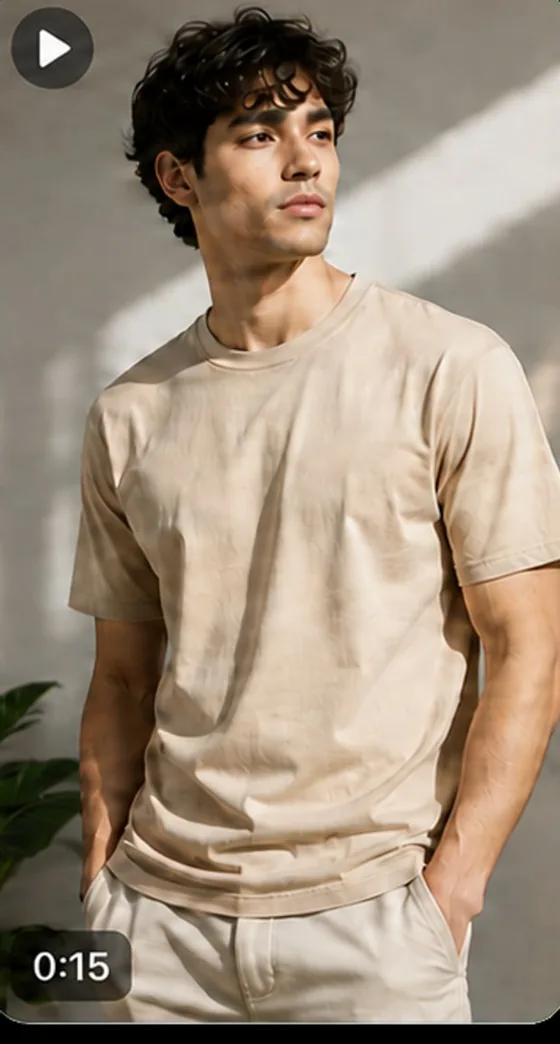
A still frame from a generated video: an AI model wearing the same beige t-shirt in a sunlit interior
Generated video
  • 1080pRendered resolution on every paid plan
  • 9:16 · 1:1 · 16:9Export the ratio each platform wants
  • One clickPublish to your product page as a theme block
  • Unused credits roll over, up to twice your monthly grant
How it works

Four steps, and none of them involve a studio.

Videlia reads the catalogue you already have. There is nothing to re-upload and nothing to brief.

  1. Sync your catalogue

    Install the app and Videlia reads your existing products and their photos. Nothing to export, nothing to re-upload.

  2. Choose a model

    Pick from a gallery of AI models spanning body types, genders and looks, or upload your own model image.

  3. Generate

    Videlia fits the garment to the model, then renders a short video in the aspect ratio you choose.

  4. Publish or export

    Drop it onto the product page with a theme app block, or download it for TikTok, Reels and everywhere else.

Virtual try-on

A model for every body type.

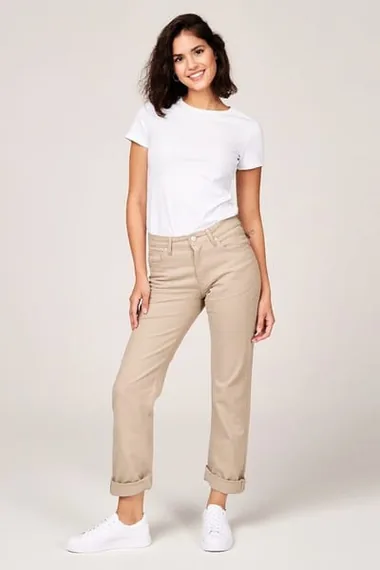
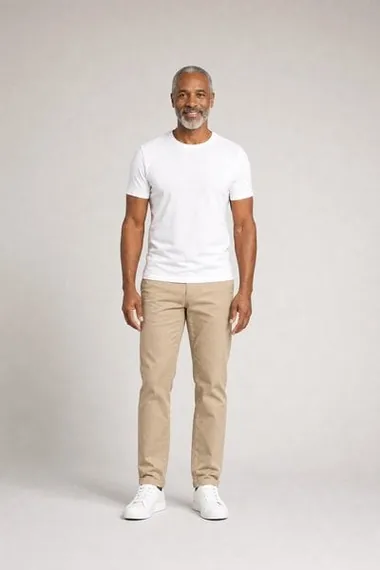
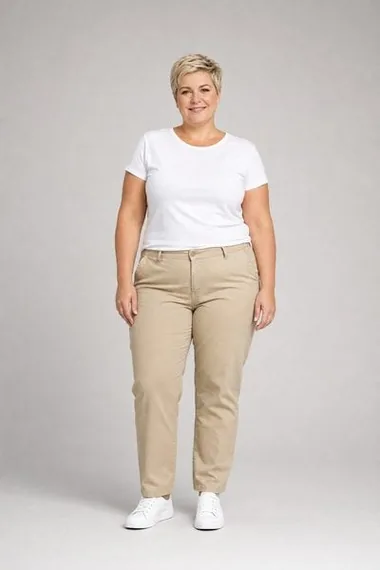
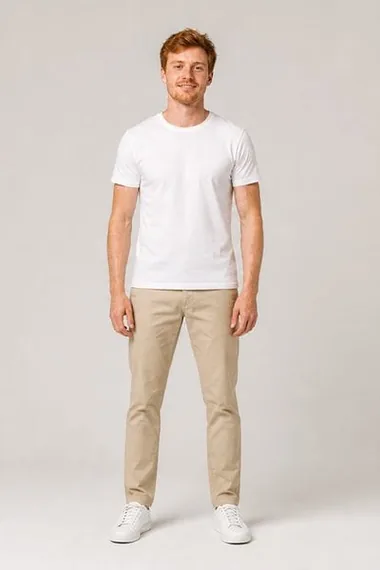
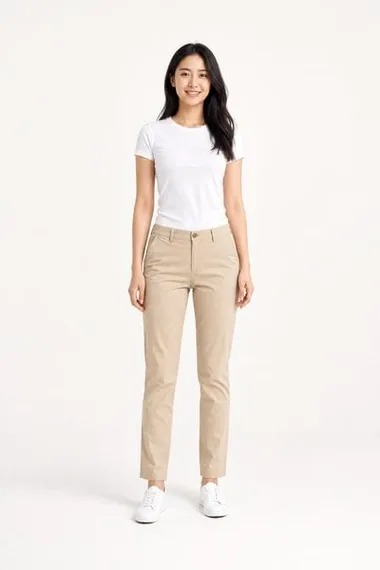
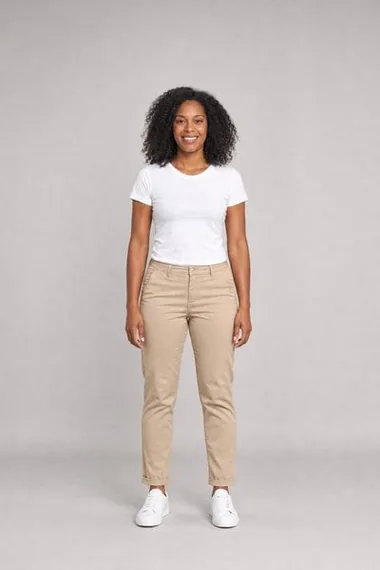
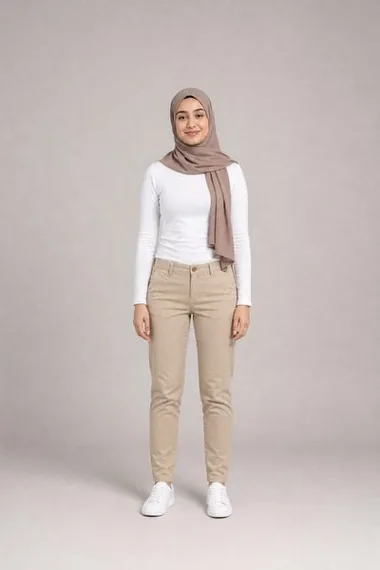
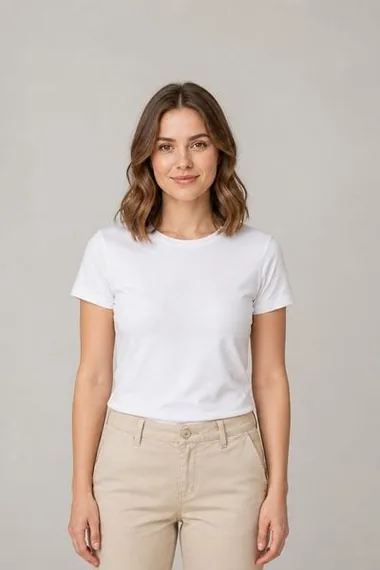
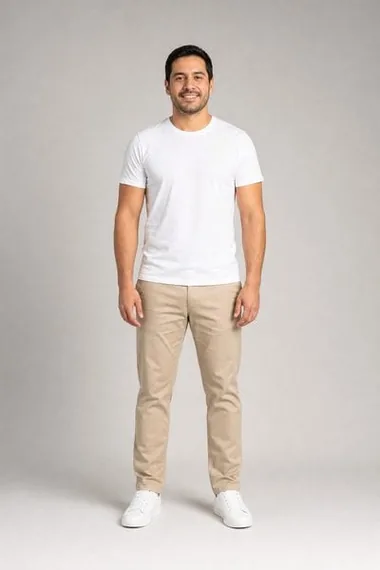
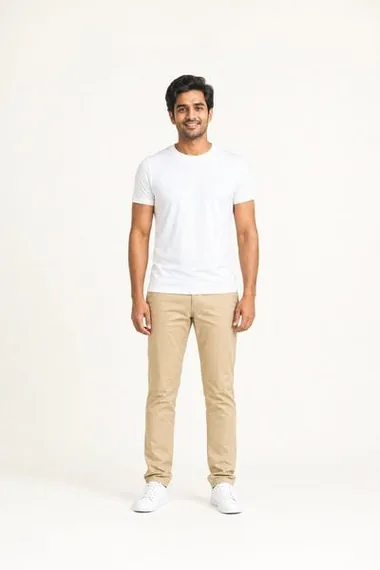
Flat lays tell a shopper what a garment looks like. A body tells them how it fits. Videlia's gallery spans body types, genders and ethnicities, so the model on the page can look like the person buying.

  • Base models on every plan, the full gallery including premium on Growth and Pro
  • Upload your own model image and reuse it across the catalogue
  • Preview the still before you spend credits on a video
AI model Sophia
Sophia
Slim
AI model MarcusPremium
Marcus
Lean
AI model ElenaPremium
Elena
Plus
AI model Felix
Felix
Lean
AI model YukiPremium
Yuki
Slim
AI model AmaraPremium
Amara
Athletic
AI model Owen
Owen
Athletic
AI model LaylaPremium
Layla
Slim
AI model KenjiPremium
Kenji
Stocky
AI model Nora
Nora
Slim
AI model DiegoPremium
Diego
Average
AI model ArjunPremium
Arjun
Lean
Every placement

One generation, every aspect ratio.

A vertical video is wasted on a product page hero, and a wide one dies in a Reels feed. Videlia post-processes a single generation into the shape each placement actually wants.

  • 9:16 on every plan, 1:1 from Starter, 16:9 from Growth
  • 1080p on every paid plan, watermark-free
  • 5 or 10 second clips, your choice per generation
The same generated video shown at the selected aspect ratio

On your storefront

Live on the product page in one click.

Videlia ships a theme app block. Drop it into your product template once and every video you publish appears where it sells, without touching Liquid.

  • A theme app block, so no theme code is edited or left behind
  • Download any video for social, ads or email at any time
  • Bulk export the whole media library on Growth and Pro
Brand kit

It should look like your brand, not like a template.

Store your logo, colours and overlay preferences once. Videlia applies them to every render, so a video pulled from the library is already finished.

  • Logo and brand overlay on Growth and Pro
  • No Videlia watermark on any paid plan
  • Priority rendering on Pro when the queue is busy

Credits are the unit

A try-on image costs 1 credit. A 5 second video costs 3. A 10 second video costs 6.

Nothing is wasted

A failed generation is refunded automatically. Unused credits roll over to next month, up to twice your monthly grant.

Pricing

Start free. Pay when it earns its place.

Billed through Shopify and charged to your existing invoice. Every plan is priced in credits, so here is exactly what a month of each one buys.

Free Trial

$0/mo

Enough to see a real result on a real product.

10 credits a month 3 five-second videos, or 10 try-on stills
  • 720p, watermarked
  • 9:16 vertical
  • Base AI models
Start free

No card required

Starter

$29/mo

For a small catalogue you want on video.

60 credits a month 20 five-second videos, or 10 videos plus 30 stills
  • 1080p, no watermark
  • 9:16 and 1:1
  • Base AI models
Choose Starter

Credits roll over

Pro

$199/mo

Volume, and a queue that puts you first.

525 credits a month 175 five-second videos, or any mix of videos and stills
  • Everything in Growth
  • Priority rendering queue
  • Highest volume allowance
Choose Pro

Credits roll over

Prices in USD, billed monthly through Shopify. See the full pricing breakdown

Questions

The things merchants ask first.

What kind of products does this work on?

Wearable products: apparel, footwear and accessories. Videlia fits a garment to a body, so it earns its keep where seeing an item worn beats a flat lay or a mannequin shot. It is not built for furniture, electronics or homeware.

Do I need to upload new photography?

No. Videlia reads the product photos already on your Shopify products. You pick which image to generate from. If you would rather use something else, you can upload a one-off image instead.

What exactly is a credit?

A credit is the billing unit. A try-on still costs 1 credit, a 5 second video costs 3, and a 10 second video costs 6.

So a plan's credit figure is not a video count. The Free plan's 10 credits is 3 videos, and Growth's 195 credits is 65. Every plan on this page states both numbers for that reason.

What happens if a generation fails?

The credit is refunded to your balance automatically. You are not charged for output you did not get.

Do unused credits expire?

They roll over to the following month, up to twice your monthly allowance. They are forfeited if you cancel the subscription.

How is it billed?

Through Shopify's own app billing. The charge appears on your regular Shopify invoice and you can change or cancel the plan from your admin at any time. Videlia never handles your card.

What does the app have access to?

Product read and write only. Videlia does not read orders, checkouts or customer records, and it holds no permission that would let it. See the privacy policy for the full list.

Can I use the videos outside my store?

Yes. Download any generated video and use it on TikTok, Instagram, YouTube, paid ads or email. The output is yours.

Ready when you are

See one of your own products on a model.

The free plan is enough for three finished videos. That is usually all it takes to know whether this belongs on your product pages.