
Shopify product page videos.
No theme editing.
Videlia generates a model video from a photo you already have, then publishes it to the product page through a theme app block. You add the block once. Every video you publish after that appears where it sells.
Online Store 2.0 themes No leftover code on uninstall
Where does the video appear on the product page?
Inside your existing product template, wherever you position the block. It renders in the product media gallery beside the photos rather than in a separate section further down, so it inherits your theme's layout and spacing instead of fighting it, and a shopper meets it while they are still looking at the product.
- Only renders for products that have a published video
- Position it anywhere in the template with drag and drop
- Served as a modern app block, not injected script
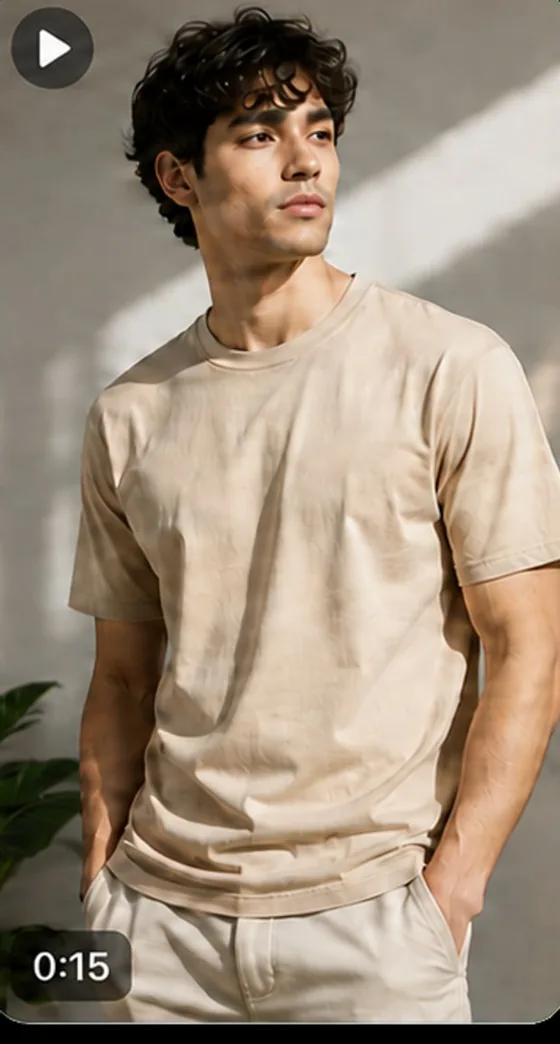
How do you add video to a Shopify product page?
You add the Videlia theme app block to your product template once, in the Shopify theme editor. It is not a developer task and it takes a couple of minutes. Every video you publish after that appears on the product page automatically, from a button inside the app.
-
Install Videlia
The app reads your existing catalogue. Nothing to export and nothing to re-upload.
-
Add the block
Online Store, Themes, Customize. Open a product template, choose Add block, pick Videlia.
-
Generate a video
Pick a product and a model, choose 5 or 10 seconds, and let it render.
-
Publish
One button. The video appears on that product's page immediately.
Does it edit my theme files?
No. Older apps inject snippets directly into theme files, and uninstalling one often leaves the snippet behind, quietly throwing errors or slowing the page down. A theme app block cannot do that. The block lives in the app and your theme only holds a reference to it, so removing the app removes the block.
| Injected Liquid snippet | Theme app block | |
|---|---|---|
| Edits your theme files | Yes | No |
| Survives a theme change | No, needs reinstalling | Yes |
| Leaves code on uninstall | Often | Never |
| Merchant can reposition it | Needs code | Drag and drop |
What resolution do published videos run at?
1080p with no watermark on every paid plan. The free plan renders at 720p with a watermark, which is enough to judge the output on your own products before you pay for anything. 1080p is the ceiling: Videlia does not render 2K or 4K, and no plan unlocks it.
1080p
Every paid plan renders at 1080p. The free plan renders at 720p with a watermark, which is enough to judge the output before paying.
The right shape
A product page hero wants something different from a Reels feed. Export 9:16, 1:1 or 16:9 from one generation, depending on your plan.
Yours to reuse
Download any published video and run it as an ad, in email, or on social. The output is yours.
Do product page videos need a developer?
No. Adding the block is done in the Shopify theme editor with drag and drop, the same way you would move any other section, and it takes a couple of minutes. There is no Liquid to write, no file to duplicate and nothing to hand to a developer before you can publish a video.
You do it once per product template. Every video you publish afterwards appears through the block you already placed, with no further theme work.
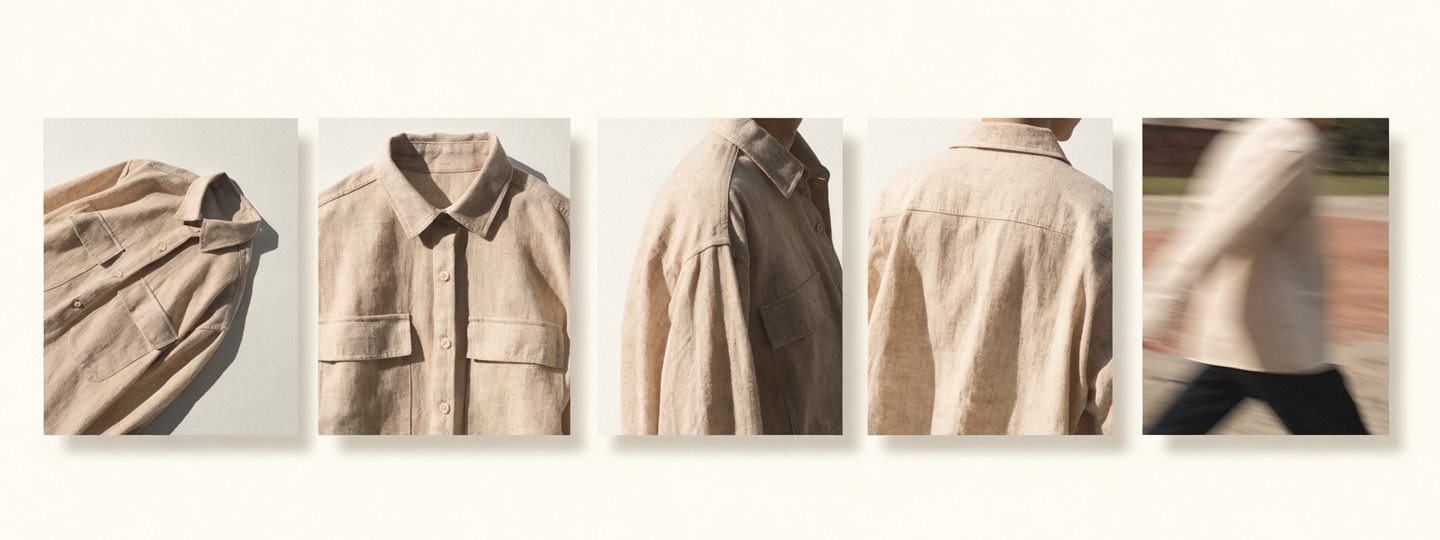
Where does the video itself come from?
From a product photo you already have. Videlia fits the garment to an AI model, returns a try-on still for 1 credit, then builds a 5 or 10 second video from that still. The still is the checkpoint: approve it before spending 3 or 6 credits animating it.
The generation side is covered on AI fashion model video, and the cheaper first stage on its own in virtual try-on for Shopify.
Can the same video be used off the storefront?
Yes. Every paid plan returns 9:16, 1:1 and 16:9 from a single generation, so one render covers the product page and the social feed without spending credits twice. The output is yours to use commercially, in organic posts and in paid placements.
The vertical side of that is on TikTok video ads. If you are weighing this against other tools, how to choose an AI model video app covers publishing as one of five axes, and says where we lose.
About publishing.
Does this work with my theme?
Any Online Store 2.0 theme supports app blocks, which covers every theme in Shopify's current theme store and most third-party themes released in recent years. If your theme is an older vintage one, it will not offer the Add block option, and you would need to move to a 2.0 theme first.
Will it slow my product page down?
The block renders as a native app block rather than a render-blocking script injected into your theme, and it only renders at all for products that have a published video, so pages without one carry nothing extra. Videos are served from a CDN. Storefront speed feeds Shopify's own quality signals, so this is worth getting right twice over.
What happens to the videos if I uninstall?
The block stops rendering and no code is left behind in your theme. Your generated media is deleted from our storage roughly 48 hours after uninstall, when Shopify sends the shop redaction webhook. Download anything you want to keep first.
Can I put a video on every product?
Yes, subject to your credit balance. A 5 second video costs 3 credits, so Growth's 195 credits a month covers 65 products. Unused credits roll over up to twice your allowance, so a quiet month funds a busy one.
Does it work for products that are not clothing?
No. Videlia fits a garment to a body, so it is built for apparel, footwear and accessories. It is not suitable for furniture, electronics or homeware.
If the block does not appear on your theme, the troubleshooting notes walk through what to check first.
See it on your own product page.
The free plan covers three finished videos a month. Publish one and judge it in place.