
AI fashion model video
from a flat lay.
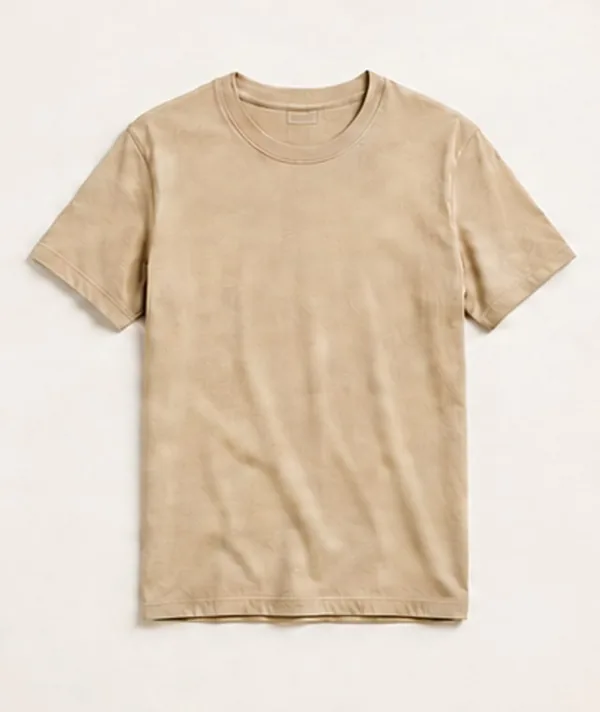
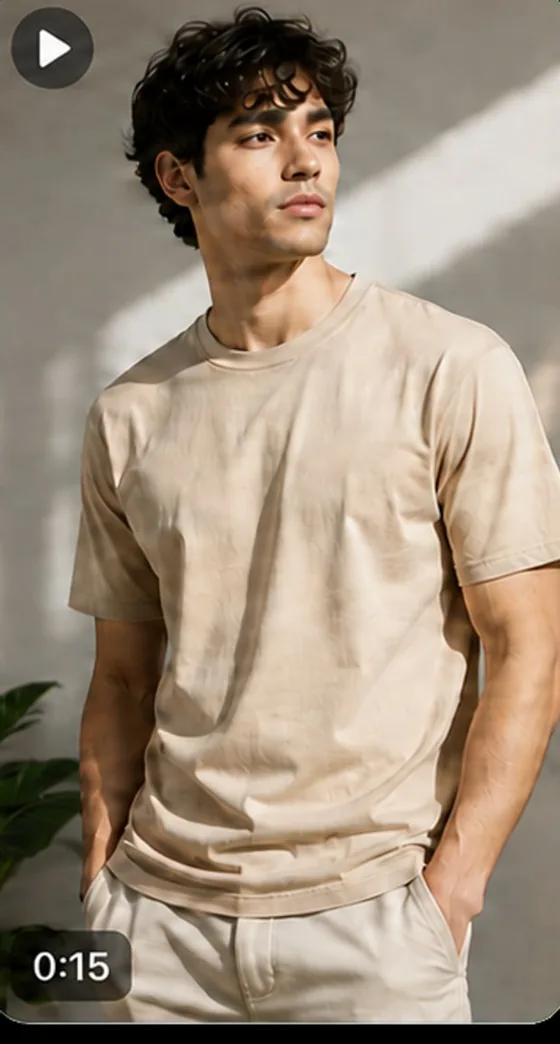
A flat lay shows the garment. A body shows the fit. Videlia fits the clothes you have already photographed to an AI fashion model, then renders a short video of them wearing it. Built for stores selling things people wear.
How do you choose the AI fashion model?
You pick from a fixed gallery rather than describing someone in a prompt, so you see exactly who will wear the garment before spending a credit. The gallery spans body types from slim to plus, across genders and ethnicities, so the model on your page can resemble the person buying.
You can also upload your own model image and reuse it across the catalogue.
- Base models on Free, and the full gallery on every paid plan
- Choose from a fixed gallery rather than gambling on a text prompt
- Preview a still for 1 credit before spending 3 on a video
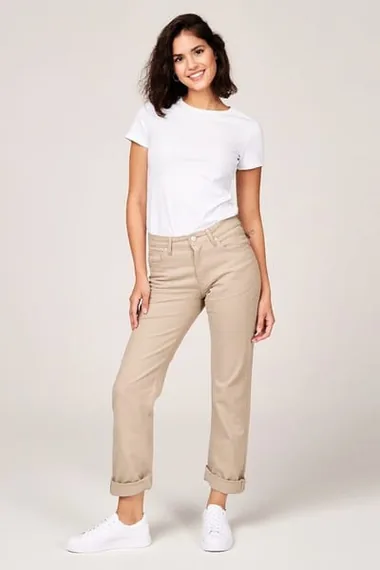
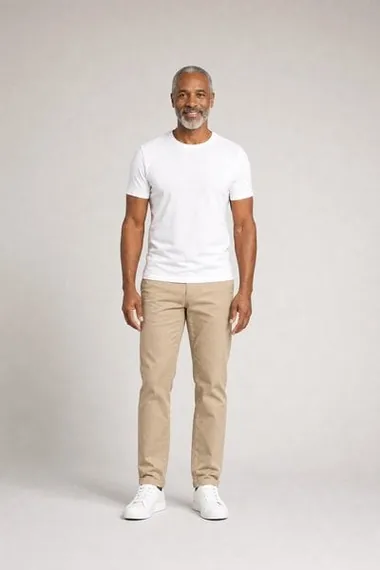
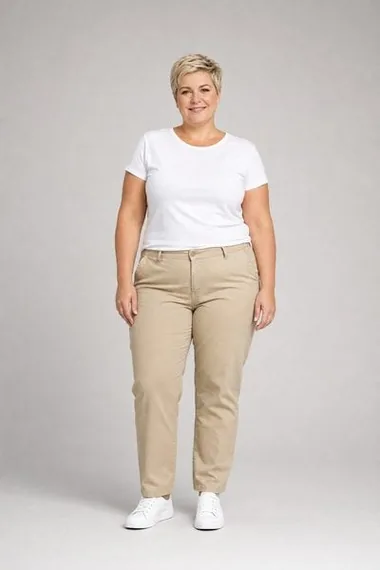
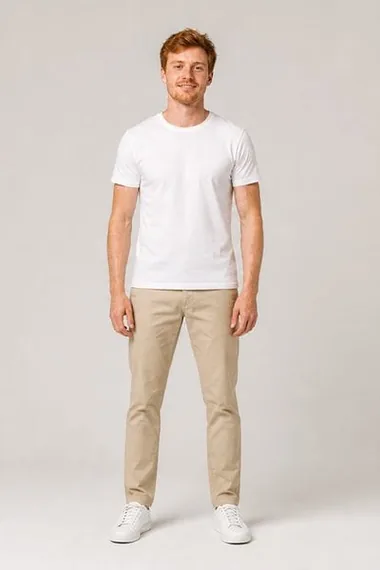
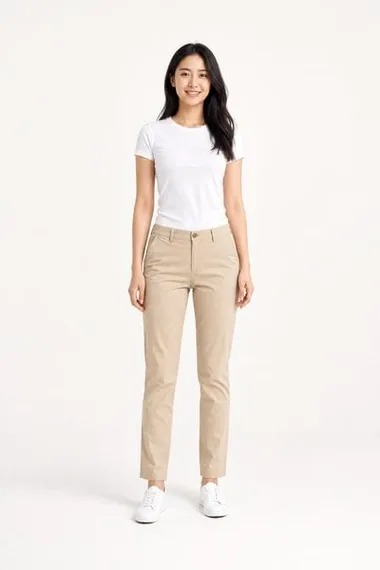
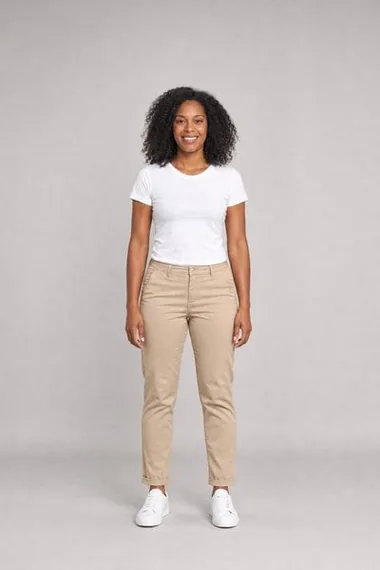
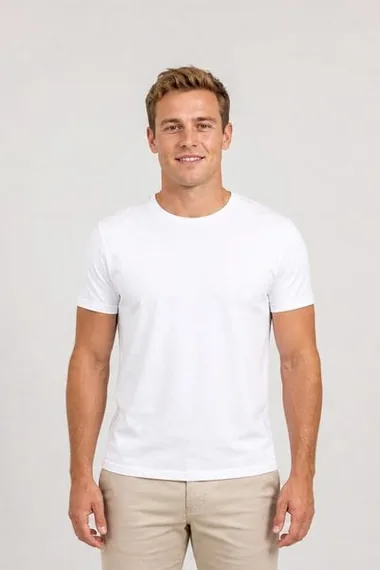
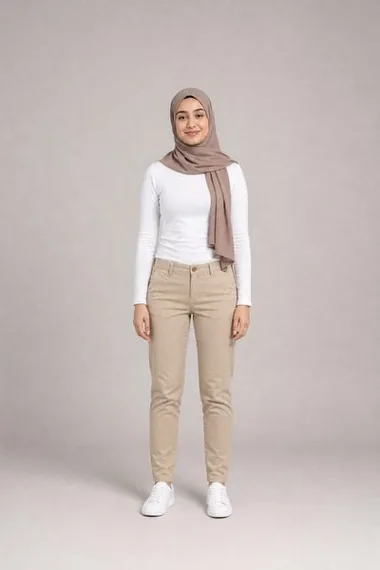
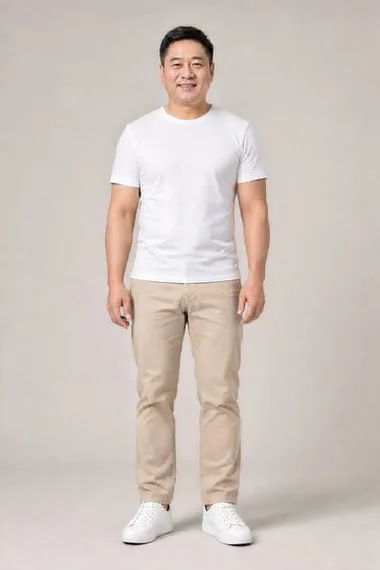
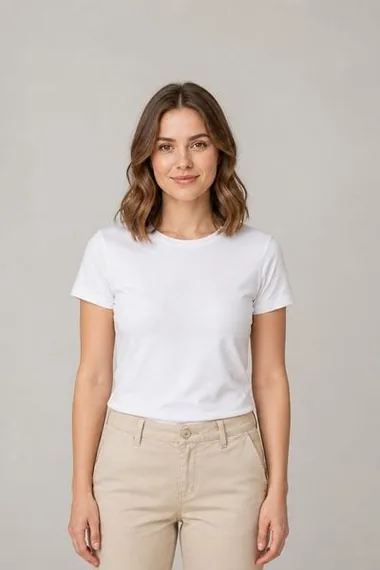
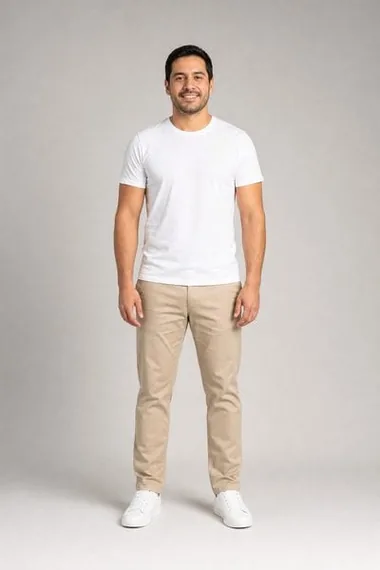
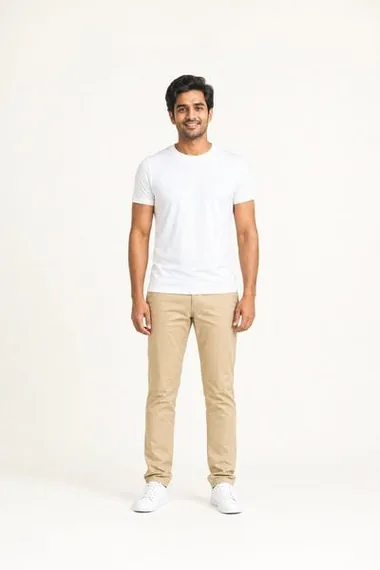
Every model shown is an AI-generated likeness. None of them depict a real person.
How does a flat lay become a video?
Videlia generates in two stages: a try-on still for 1 credit, then a 5 or 10 second video built from that still for 3 credits or more. Check the fit, the drape and the model on the try-on still first, and only pay for motion once it is right.
1. The still, 1 credit
Videlia fits the garment from your photo to the model you picked and returns an on-model image. This is where you judge fit, drape and colour. If it is wrong, change the source photo or the model and try again.
2. The video, 3 or 6 credits
Once the still is right, Videlia animates it into a 5 or 10 second clip in your chosen aspect ratio, rendered at 1080p and free of any watermark on every paid plan.
Generating the still first is the cheapest way to work. It costs a third of a short video and tells you almost everything the video will.
What does AI fashion model video not do?
It does not shoot non-wearables, it does not render above 1080p, and it does not produce sound: there is no music or soundtrack feature on any plan. It is calibrated for garments on bodies, so furniture, electronics and homeware are out of scope. The full list is below, worth reading before you install rather than after.
- Non-wearables. Videlia fits garments to bodies. Furniture, electronics and homeware are outside what it can do.
- Above 1080p. 1080p is the ceiling. There is no 2K or 4K output.
- Audio. Clips render without sound, and there is no music feature on any plan.
- Guaranteed fidelity. Output is AI-generated. Colour, fit, drape and fine detail can differ from the real garment, so review before you publish.
What is AI fashion model video?
AI fashion model video is a short clip of an AI-generated model wearing a garment, built from a photograph of that garment on its own. No photoshoot, no booking and no sample to ship: the input is a product image you already have, and the output is a video of it being worn.
It is a two-stage generation rather than one. The still comes first for 1 credit, and the video is built from the still it produced, so the thing you are paying to animate is something you have already looked at and approved.
Which products does it work on?
Wearable products only: apparel, footwear and accessories. Videlia fits a garment to a body, so it earns its keep wherever seeing an item worn beats a flat lay or a mannequin shot. It is not calibrated for furniture, electronics, homeware or anything else that is not worn.
Within wearables, the products that gain most are the ones a still cannot describe: anything that drapes, swings, stretches or changes shape in motion. Picking the right handful to start with is its own decision, worked through in which products deserve video first.
How good does the source photo need to be?
Good enough that nothing is hidden. The whole garment in frame, on a plain background, with no hand, prop or crop across it. A generative model cannot recover detail that is not in the photograph; where it cannot see, it invents something plausible, and that is where most disappointing results come from.
Studio quality is not the bar, and soft even light beats hard directional light. If a product has several photos, try a different one before spending credits on a video. The full checklist, including the sixty-second review to run before you spend a credit, is in what makes a good source photo.
Where does the finished video go?
Two directions, from one generation. Publish it to the storefront through a theme app block, so it sits in the product media gallery beside the photos, or download it for social. Every paid plan returns 9:16, 1:1 and 16:9 from the same render, with no second generation and no extra credits.
The publishing side is covered on Shopify product page videos, and the vertical side on TikTok video ads. If you are still comparing tools in this category, how to choose an AI model video app sets out the five axes that actually vary, and the apps compared puts named competitors against them with dated figures.
About the models.
Are these real people?
No. Every model in the gallery is an AI-generated likeness and does not depict a real person. There are no model releases to manage and no usage windows to renew.
Can I use my own model instead?
Yes. Upload your own model image and reuse it across your catalogue. If the image shows a real person, you are responsible for having their consent.
Why a fixed gallery instead of describing a model in words?
Because prompt-based generation is unpredictable, and re-rolling a bad result costs credits every time. Choosing from a gallery means you see exactly who will wear the garment before you spend anything, and you get the same model again next time.
Is this a Shopify app or a separate tool?
It is a Shopify app. You install it from the Shopify App Store, it reads the products and photos already in your catalogue, and it is billed through Shopify on your existing invoice. There is no separate account, no export step and nothing to re-upload.
What does an unusable result cost me?
A failed generation refunds its credits automatically, so you are never charged for output you did not receive. A generation that completes but looks wrong does not refund, which is why the still comes first: at 1 credit it is the cheapest way to find out, and you only spend 3 or 6 on the video once the still is right.
If a generation comes out wrong, support and troubleshooting covers the usual causes and how the credits come back.
See one of your garments on a model.
Ten free credits a month. That is ten try-on stills, or three finished videos, on products you already sell.