
Which products deserve video first
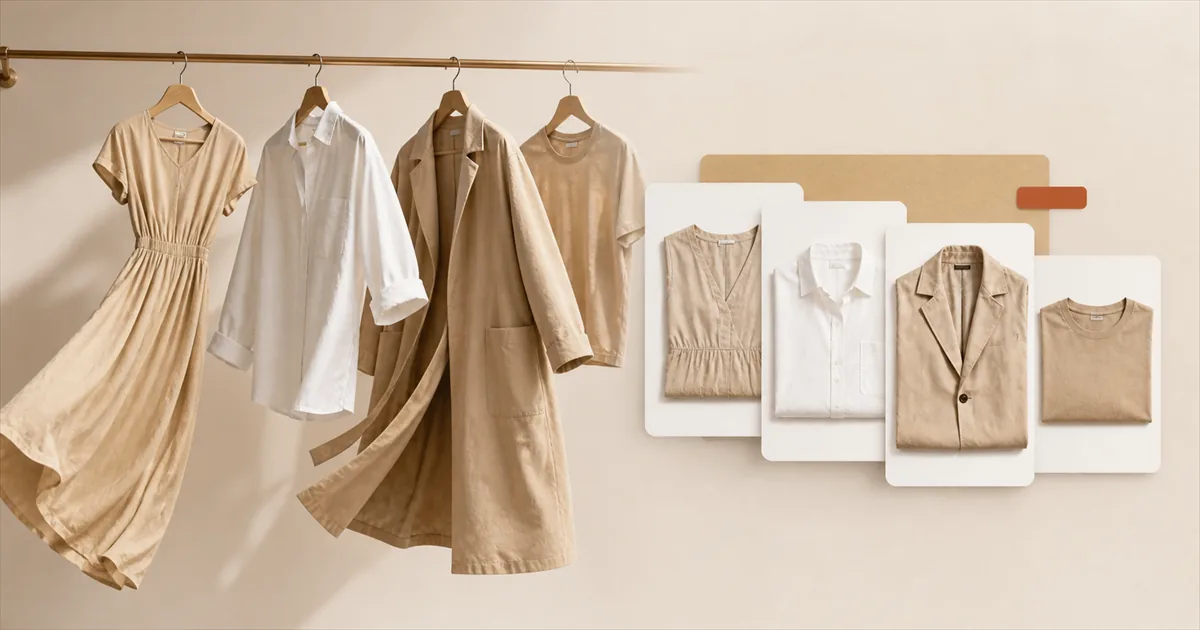
The instinct, once video gets cheap, is to do the whole catalogue. Resist it. Not because of the cost, but because doing everything at once means you learn nothing: if all 300 products change on the same day, you have no idea which change did anything, and you have spent a month of attention finding out.
Start with somewhere between five and twenty products. Here is how to choose them.
The signal to look for: high traffic, low conversion
The best candidate is a product page that people are already finding and then not buying. Traffic means the demand exists and the acquisition work is done. Weak conversion against that traffic means something on the page is failing to close, and a merchandising change has something to actually move.
In Shopify admin, Analytics, Reports, open Sessions by landing page and Product conversion. What you want is the products in the top quartile for sessions and the bottom half for conversion. That intersection is usually short, and it is your list.
The inverse case is the common mistake. Your best-selling product is tempting to start with because it matters most, but it is already converting. There is less headroom there, and if the number moves you will struggle to separate the video from normal variance.
The second signal: return rate
Overlay your return data. A product with an above-average return rate is telling you that shoppers are forming the wrong expectation before they buy, and fit is the leading cause of that in apparel. That is precisely the failure video addresses, for reasons we went through in the returns piece.
A product that is both under-converting and over-returning is the single best place to start. It is losing you money twice.
The third signal: how much the flat lay is hiding
Some garments survive static photography and some do not. Rank yours by how much the photograph fails to communicate:
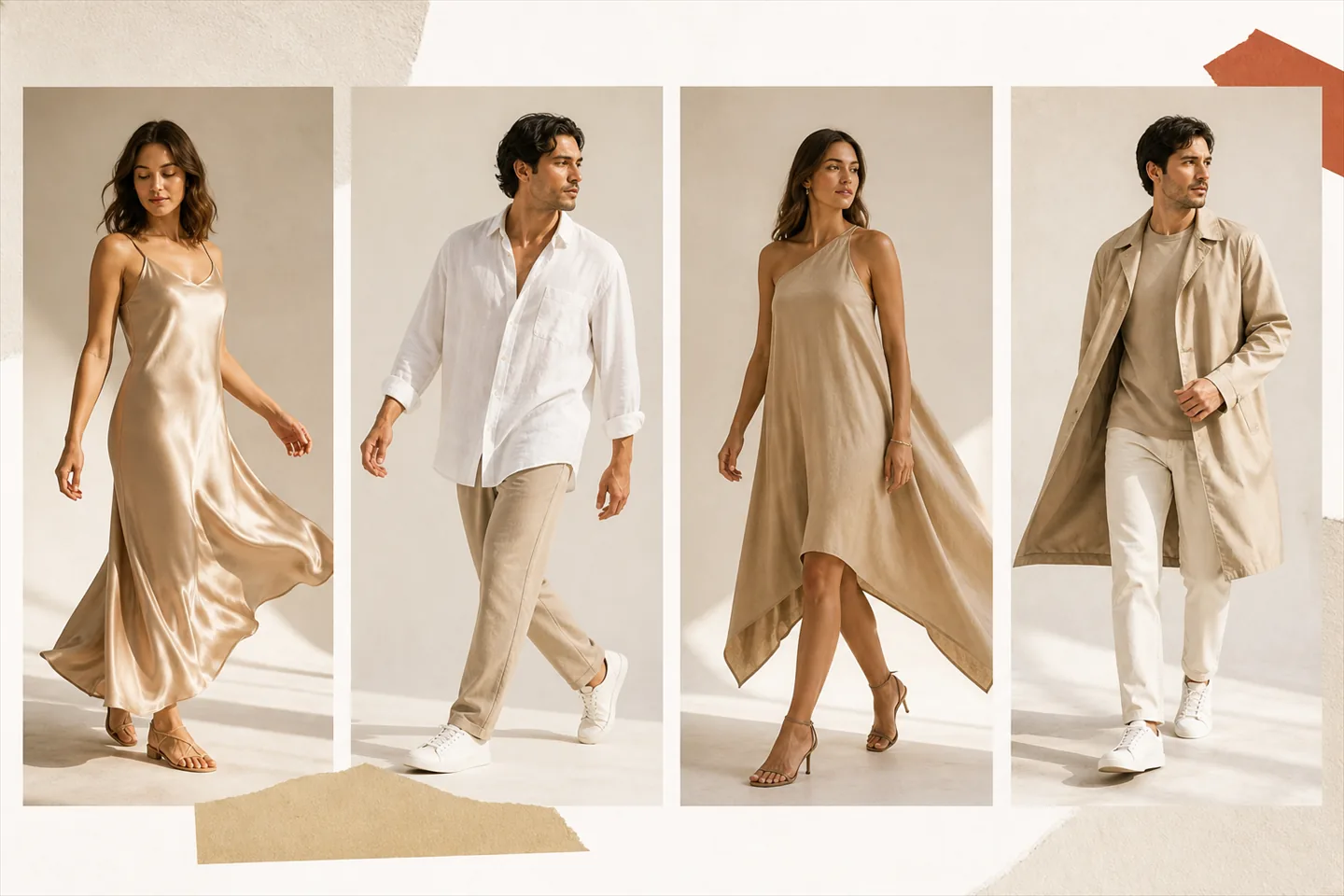
- Fluid fabrics. Viscose, silk, satin, fine knits. Everything interesting about them is how they move, and a flat lay shows none of it.
- Oversized and relaxed cuts. Flat, an oversized shirt just looks large. On a body it reads as deliberate. That distinction is the entire purchase decision.
- Anything with an unusual silhouette. Asymmetric hems, wrap constructions, layered pieces. If a shopper has to work out how it goes on, that is friction.
- Items where length is the question. Dresses, skirts, outerwear. "Where does this land on a person" is not answerable from a measurements table by most people.
Conversely, a plain crew-neck t-shirt in a stable cotton is nearly fully described by a good flat lay. It is a poor first candidate, not because video would not look nice, but because there is little information gap to close.
Putting it together
Score each candidate out of three. One point for high traffic with weak conversion, one for an above-average return rate, one for a garment whose behaviour a flat lay cannot show.
| Score | What it means | Do what |
|---|---|---|
| 3 | Losing money on traffic you already paid for, and on returns | Start here, today |
| 2 | Clear upside, worth doing in the first batch | Include in the first run |
| 1 | Marginal. Might be volume-limited or already fine | Wait for the first results |
| 0 | Converting well, low returns, simple garment | Leave it alone |
Test the still before you commit to the video
Whatever tool you use, generating an AI fashion model video is worth checking as a still first: it is almost always the cheaper move. In Videlia a try-on still costs 1 credit against 3 for a five-second video, so you can check the fit, the drape and the model choice for a third of the price. If the still is wrong, the video built from it will be wrong in the same way.
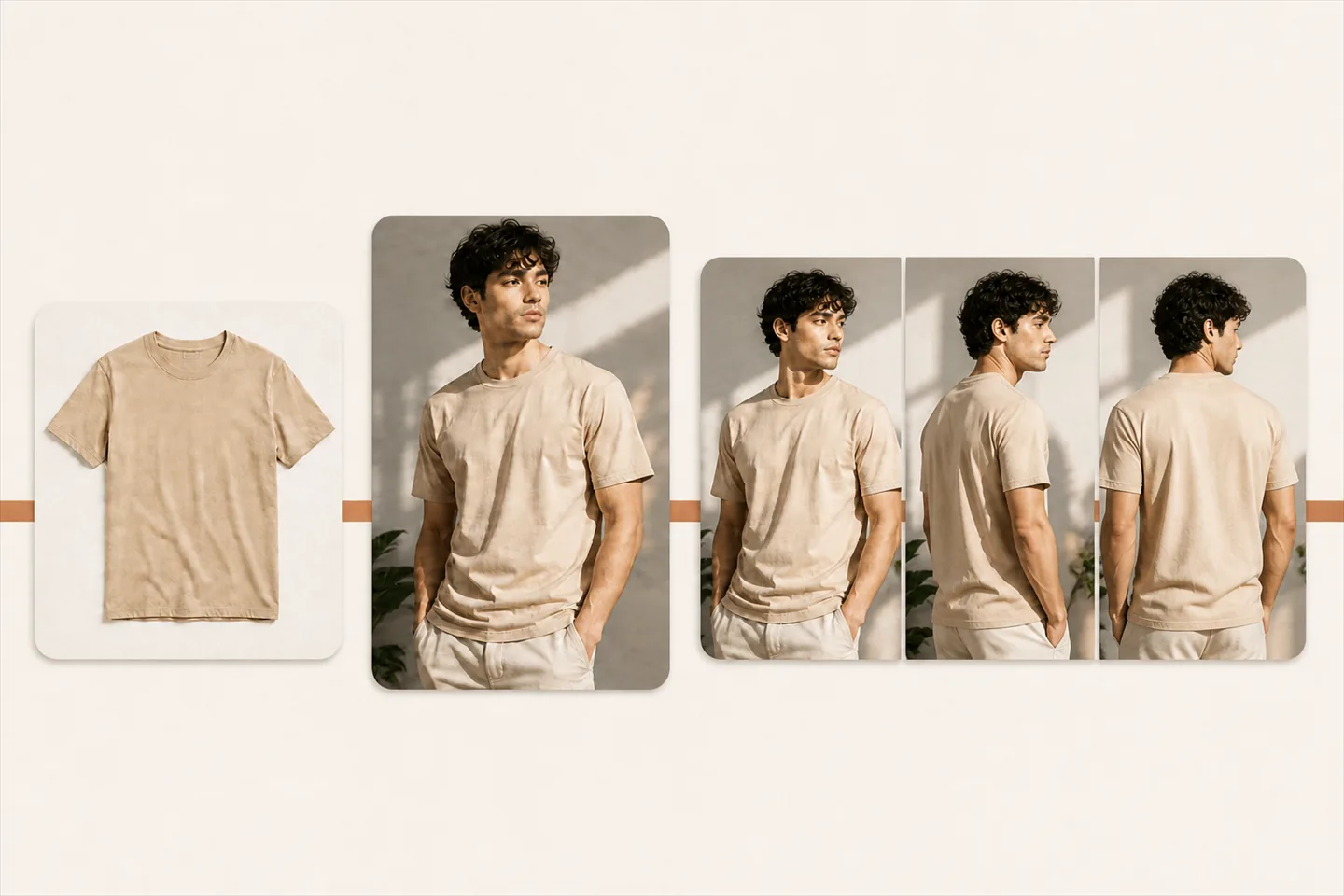
Two or three try-on stills across different models or source photos, then one video from the best of them, is a better use of a month's credits than three videos generated blind.
Then leave it alone long enough to learn something
The discipline that makes this worth doing:
- Change one thing. If you add video and rewrite the description in the same week, you have learned nothing about either.
- Keep a control group. Half your batch gets video, half does not. Seasonality and traffic mix move conversion rates around on their own, and a control is the only way to see past that.
- Wait a full return window plus a few weeks. Conversion tells you something within days. Returns take much longer, and the returns effect is usually the bigger prize.
- Judge on volume, not percentage. A product with 6 orders a month cannot produce a meaningful conversion signal in any reasonable timeframe. Prefer products with enough traffic to actually resolve.
Then widen
Once you have a result you trust from a controlled batch, you know something specific about your own catalogue that no benchmark could have told you: which of your categories respond to motion. Expand along that line rather than alphabetically.
For most fashion stores the answer ends up being "the fluid, structured and oversized things, and nothing much changes on basics", but yours may differ, and that is exactly why it is worth measuring rather than assuming.
Disclosure. Videlia makes AI model videos from Shopify product photos. The framework above is deliberately tool-agnostic: the selection logic works the same whether you generate the video, shoot it, or commission it. The one product-specific claim is the credit pricing, which is 1 credit for a try-on still and 3 for a five-second video.
Pick your worst converter and see it move.
Ten free credits a month is ten try-on stills, or three finished videos. Enough for a first batch.