
TikTok video ads for Shopify,
from the photos you already shot.
Videlia renders native 9:16 from the product photos in your Shopify catalogue. No creator fee, no shipping samples to anyone, no waiting on a delivery date.
9:16 on every plan, including free 5 or 10 second clips
Why does 9:16 have to be rendered, not cropped?
Because cropping throws away the composition. A landscape video cut down to vertical loses the sides of the frame, and the garment ends up off-centre or clipped at the hem. Videlia composes for the ratio you pick, so the product sits in frame at 9:16 rather than surviving a crop.
It also reads differently. A landscape video letterboxed into a TikTok or Reels feed announces itself as an ad the moment it appears, before anyone has looked at the product.
- 9:16 available on every plan, including the free one
- 1:1 for grid posts and 16:9 for landscape, on every paid plan
- 1080p and watermark-free on every paid plan
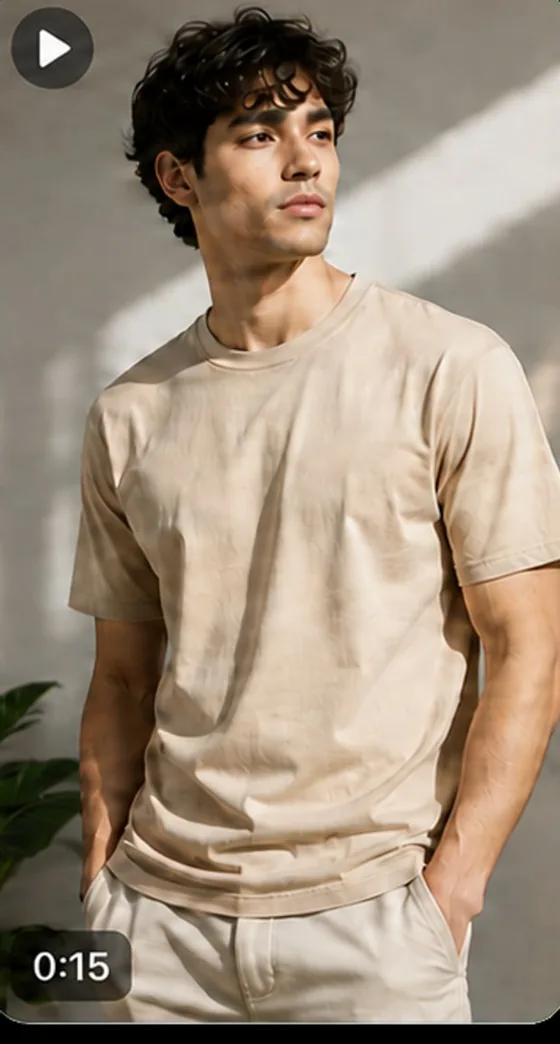
How do you make a TikTok ad from a product photo?
Four steps: sync your Shopify catalogue, choose a model, generate a try-on still, then render 9:16 at 5 or 10 seconds. No editor, no creator brief, no sample to ship. The slow part of social creative is usually coordination rather than editing, and none of these four steps needs another person.
-
Sync
Videlia reads the products and photos already in your store.
-
Choose a model
Pick who wears it from a gallery spanning body types, genders and ethnicities.
-
Render 9:16
Choose 5 or 10 seconds. Videlia composes the frame for vertical.
-
Download and post
Take the file to TikTok, Reels, Shorts or your ad account. The output is yours.
What does it cost to test creative before you scale spend?
Three credits per five-second video, so Starter's 60 credits a month is twenty of them. Testing four variants of one product costs 12 credits. TikTok video ads for Shopify stores fail for one boring reason more than any other: spend gets scaled behind a creative that was never tested against anything.
| Plan | Credits a month | 5-second videos | Or 10-second videos |
|---|---|---|---|
| Free | 10 | 3 | 1 |
| Starter | 60 | 20 | 10 |
| Growth | 195 | 65 | 32 |
| Pro | 525 | 175 | 87 |
A try-on still costs 1 credit. Generate one first to check the fit before committing 3 credits to a video.
How many variants do you need before you scale?
Enough to beat chance, which in practice means three to five per product rather than one. Vary the model and the framing, not the garment, so you are testing the creative and not the item. Run them on the same audience and budget until they separate, then scale the winner.
One generation is not a test, it is a guess with a render attached. The reason to care about the per-video cost is that it decides how many guesses you can afford to discard.
Can the same generation go on the product page?
Yes. A single generation post-processes into 9:16, 1:1 and 16:9 on every paid plan, so the clip you post to TikTok is the same clip you publish to the storefront. Nothing is re-rendered and no extra credits are spent to change the shape.
Publishing to the storefront runs through a theme app block rather than a Liquid edit, which is covered on Shopify product page videos. The gallery and the two-stage generation behind all of it are on AI fashion model video.
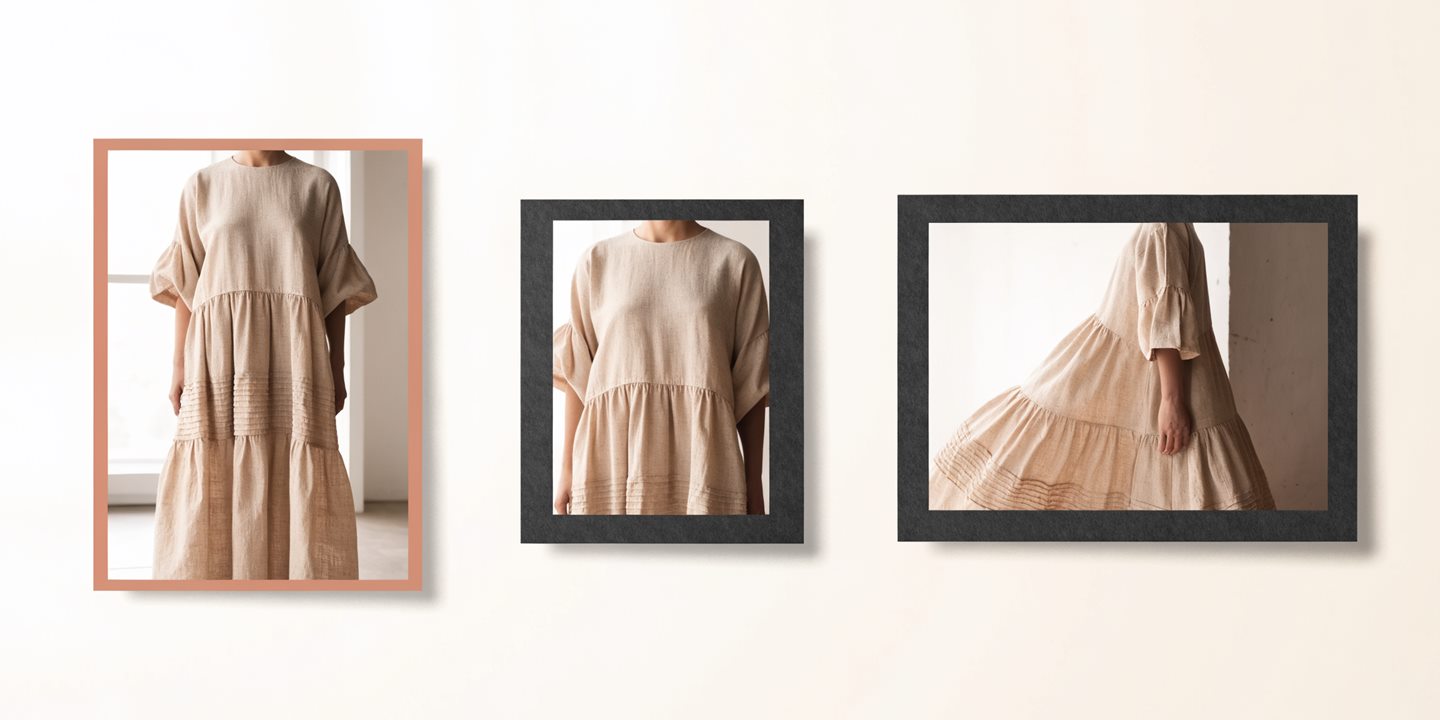
Which products should get vertical video first?
The ones where motion shows something a photograph cannot: anything that drapes, swings, stretches or changes shape on a body. Then narrow by data. High-traffic products converting below your store average are where a better asset has the most room to move, because the demand is already there.
We wrote the selection method out in full, including how to use return rate as a second signal, in which products deserve video first.
How does this compare with hiring a UGC creator?
It removes the shipping and the calendar. A creator brief means sending a sample, waiting on delivery, waiting on a shoot date, and paying per deliverable. Videlia takes a photograph you already own and returns a clip in minutes, so the turnaround is a render rather than a schedule.
What it does not give you is a person talking to camera. If the format you are buying is a genuine testimonial or a face-to-camera review, that is a creator's job and this does not replace it. If what you need is the product moving on a body, this is the cheaper path to it. The trade-offs across this whole category are set out in how to choose an AI model video app.
About social output.
Can I use these videos in paid ads?
Yes. Download any generated video and use it on TikTok, Instagram, YouTube, in paid placements or in email. The output is yours to use commercially. You are responsible for reviewing it before it runs, and for meeting any advertising rules in your market that govern AI-generated imagery of a product.
Do the videos have sound?
No. Videlia renders video without audio, and there is no music or soundtrack feature on any plan. Add sound in your platform's own editor, which is where most vertical-video audio gets chosen anyway.
How long are the clips?
5 or 10 seconds, your choice per generation. A 5 second clip costs 3 credits and a 10 second clip costs 6.
Will it look like AI?
Generated media is produced by AI models and may not faithfully represent the source garment. Colour, fit, drape and fine detail can differ from the real item, and output is not guaranteed free of artifacts. Review every video before it goes out. The free plan exists so you can judge that on your own products before paying.
What resolution do I get?
1080p on every paid plan, and 720p with a watermark on the free plan. 1080p is the ceiling; Videlia does not render 2K or 4K.
Missing an aspect ratio, or a render stuck in the queue? Get help.
Test it on a product you already sell.
The free plan renders three finished clips a month. Enough to see how your own catalogue looks in motion.