
How to use AI models for your clothing brand, and label them
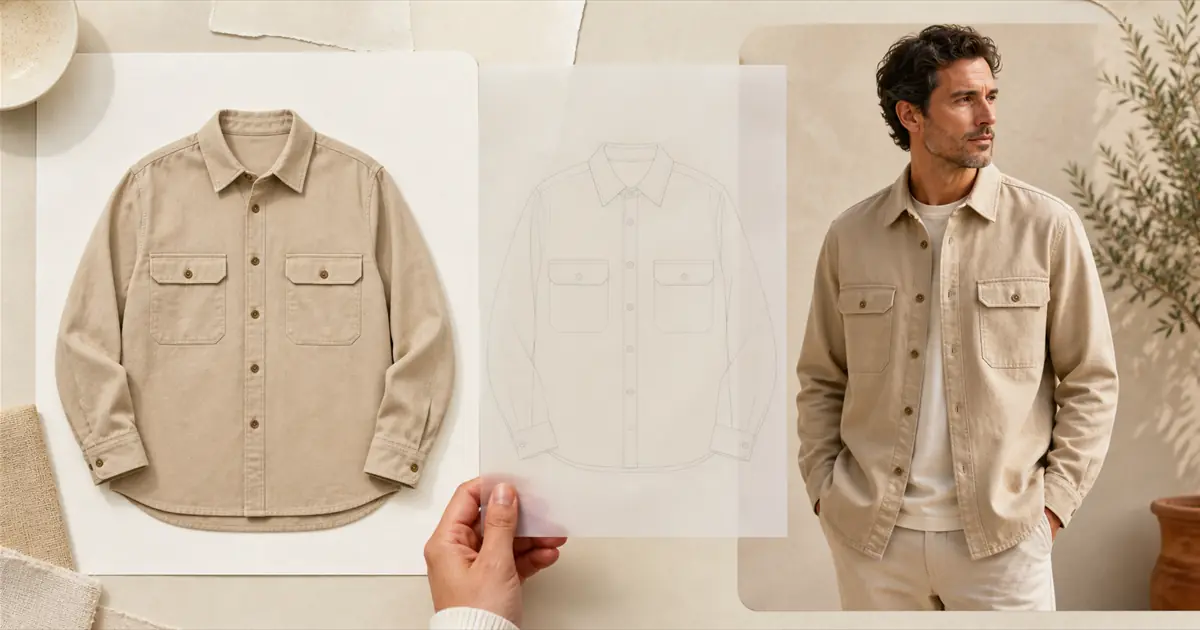
AI models for clothing brands are AI-generated people who wear your garments in photos and short videos, made from the product shots you already have. Used well, they put every product in the catalogue on a body. Used carelessly, they show shoppers a garment that does not quite exist, and hide the fact that the person does not either.
This guide covers where AI models earn their place, the workflow from flat lay to published video, how to check the result against the real garment, and the labelling rule the EU has applied to them since 2 August 2026. That last part is new, it reaches stores outside the EU, and most guides to AI models do not mention it yet.
What is an AI model, in a clothing catalogue?
An AI model is a realistic, generated person who does not exist, shown wearing your real garment. A tool takes your product photo, fits the garment to a body you choose from a gallery, and returns an on-model still or a short video. Nobody is booked for a shoot, and nobody wears the sample.
Two things separate this from a photoshoot, and both matter later in this guide. The garment is rendered rather than photographed, so what you see is the tool's reading of your product photo, not a record of the product. And the fit is a prediction: the model's body has never been inside your size chart.
Where do AI models earn their place, and where do they not?
For a clothing brand they earn it on coverage: every product in the catalogue on a body, on more than one body type, and in motion where the way a fabric moves is what sells it. They do not replace art-directed campaign photography, and they should never back a fit claim a shopper will rely on.
Where they pay off:
- The long tail of the catalogue. The products that never made it into a shoot and still sit on the page as a flat lay.
- Range of bodies. The same garment on slim, curvy and plus figures, which no single shoot budget covers.
- Motion. Fluid fabrics, relaxed cuts and anything where length is the question. Clothing is where movement carries the most information, which is why AI model video for apparel is a use case of its own.
- Social variants. A vertical clip for each product, without booking a creator for each product.
Where they do not:
- Campaign and editorial work. The point there is a creative decision, not a clear view of the product.
- Fit claims. "True to size" or "runs long" needs a real body in the real garment.
- Close-ups that sell a texture. A chunky knit, a slub weave, a print at full scale. A render softens exactly the detail being sold.
How do you put a garment on an AI model?
In six steps: choose the products, pick the cleanest source photo, choose who wears it, generate a still and check it, render video only where motion adds information, then publish with a label. The still is the cheap checkpoint, and it is where most mistakes should be caught before they cost more.
- Choose the products. Start with five to twenty, not the whole catalogue. Products with traffic but weak conversion, or high returns, are where a change can show up. Here is how to decide which products get it first.
- Pick the cleanest source photo. The render can only show what the photo contains: the whole garment, edge to edge, on a quiet background, in soft light. More on what makes a usable source photo.
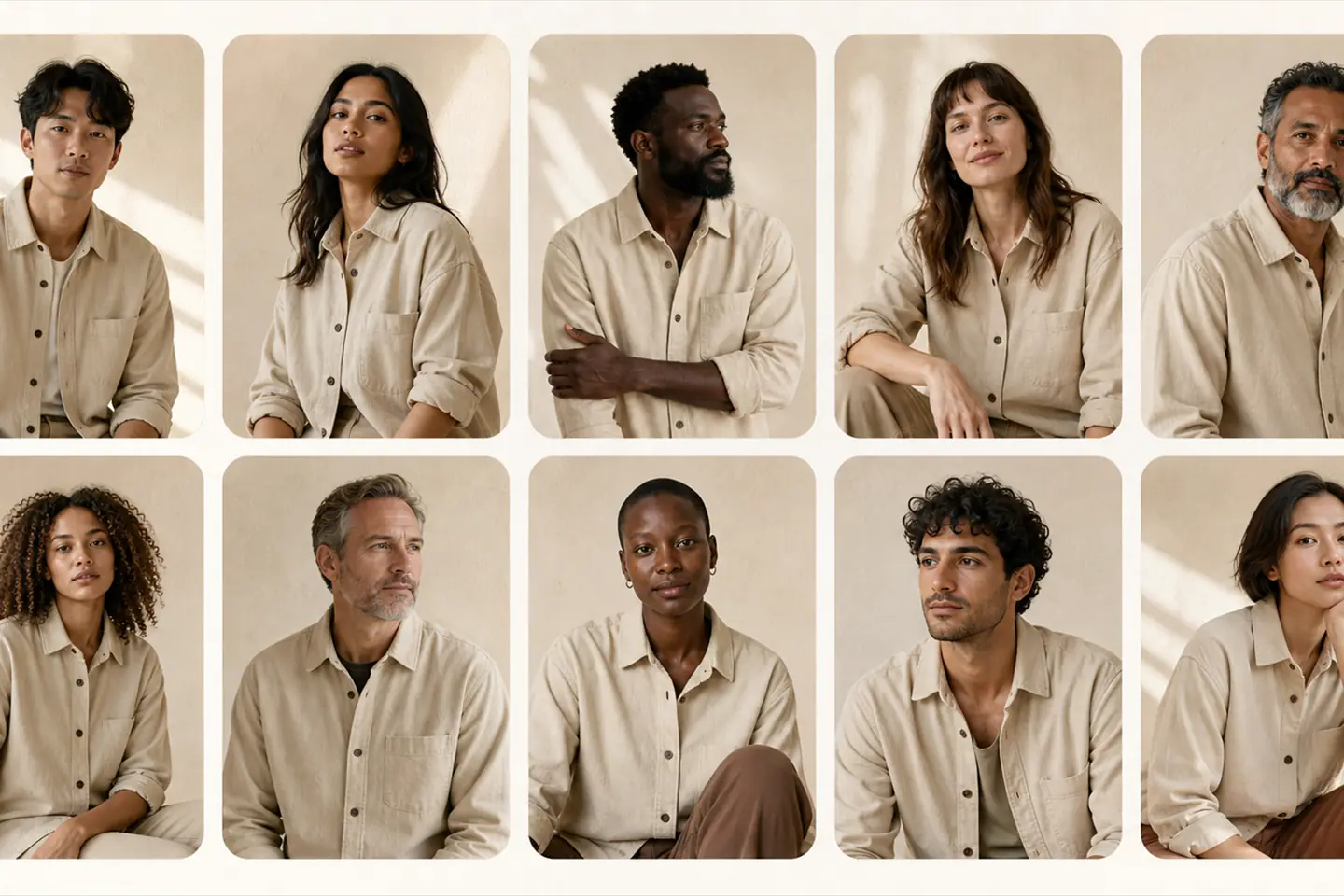
- Choose who wears it. Pick the body types your customers actually have, and keep the same few models across a collection, so the catalogue reads as one brand rather than a stock library.
- Generate a still and check it. A try-on still shows the fit, the drape and the colour for a fraction of the cost of motion. In Videlia a still costs 1 credit and a five second video costs 3.
- Render video where motion adds something. Satin, viscose, oversized cuts, long hems. A plain cotton tee is nearly fully described by its still. Where a garment does earn motion, that is what AI fashion model video is for.
- Publish it with a label. On the product page, beside the photos, marked as AI-generated. The label has its own section below, and the mechanics of publishing video to a Shopify product page have a page of their own.
How do you check that the AI model shows the real garment?
Put the render next to the physical sample, not next to the source photo, and check what a shopper will rely on: colour, length, pattern scale, logos and text, hardware, and anything sheer. The source photo was already an approximation of the garment, so comparing against it checks the wrong thing.
- Colour. In daylight, against the sample. Renders drift warm or cool, and a colour that does not match is a return waiting to happen.
- Length and proportion. Where does the hem land, where does the sleeve end? A render can shorten a dress or lengthen a sleeve without looking wrong.
- Pattern scale and continuity. Stripes should meet at the seams, and a print should be the size it is on the fabric.
- Logos, text and small hardware. Generators invent lettering and smooth over buttons, zips and buckles.
- Sheer and layered fabric. Opacity is the product, and it is the hardest thing to preserve.
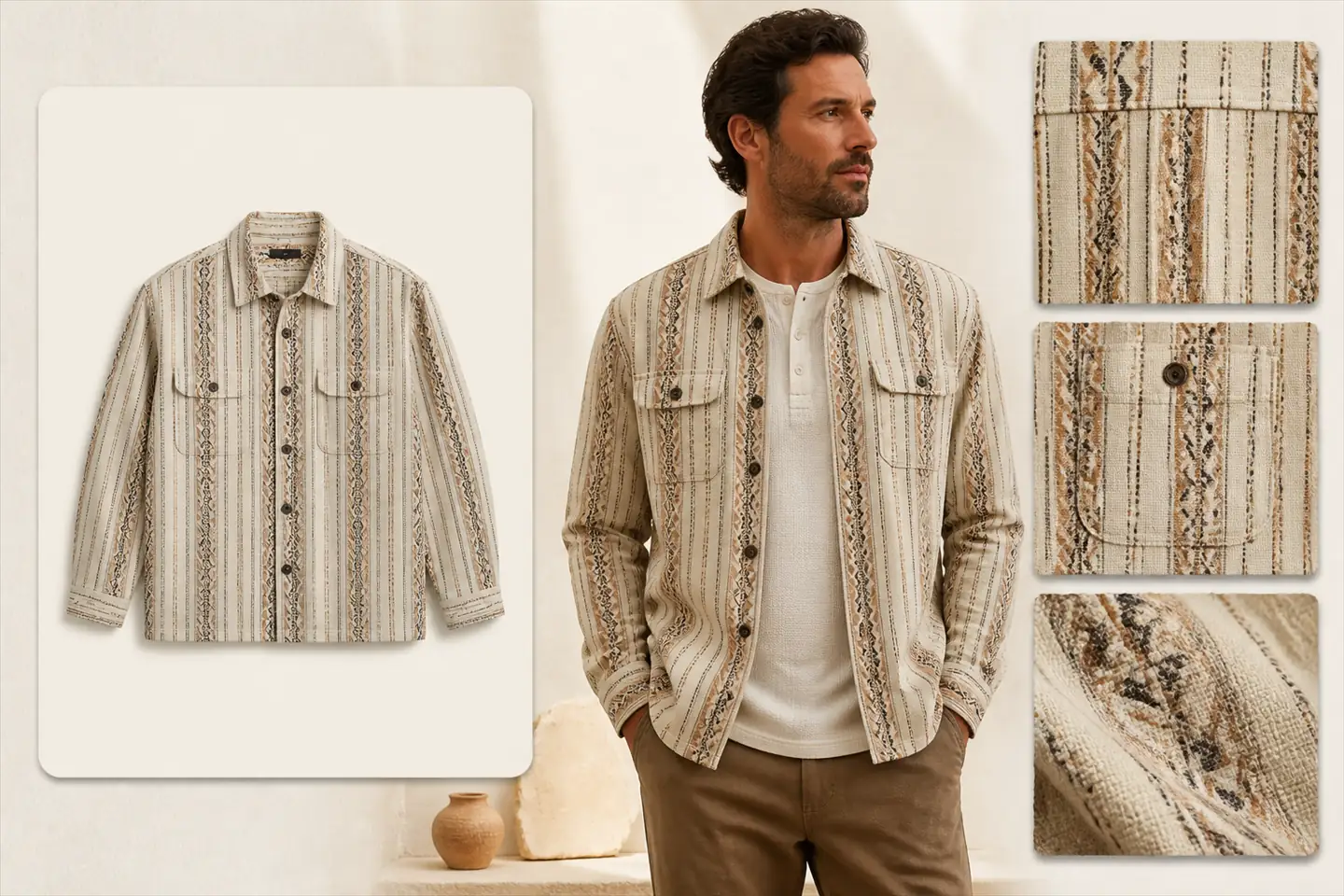
This is partly about returns: a garment that looks different when it arrives is exactly the kind of fit-driven return that on-model video is meant to prevent. It is also a legal question now. The European Commission's guidance on AI labelling lists "an AI-generated image of a product in advertisement" that can mislead as to the "actual product appearance" among its examples of deep fakes. A render that does not match the garment is a compliance problem as well as a merchandising one.
Do you have to label AI models on your product pages?
If shoppers in the EU can see your store, very likely yes. Since 2 August 2026, Article 50 of the EU AI Act has required businesses that use AI to publish realistic people in commercial content to say so, visibly, at the point a shopper first sees them. Stores based outside the EU are covered too.
The rule is Article 50(4) of the AI Act: whoever uses an AI system to publish a deep fake must disclose that it is artificial. The name suggests forged politicians, but the legal definition is wider: image or video that resembles existing people, objects or places and would falsely appear authentic. The Commission's guidelines on Article 50, adopted on 20 July 2026, settle how that applies to AI models:
- An AI model counts as a person. The guidelines include "realistic AI-generated human avatars" in what the law means by persons (paragraph 113). A model who never existed is still a realistic person.
- A product page is not a work of art. Artistic and fictional work gets a lighter duty, but content that is plainly commercial is excluded from it (paragraph 122). The guidelines' own examples of deep fakes that are not creative work include a synthetic influencer demonstrating a sponsored product.
- The label has to be visible. Invisible watermarks and metadata do not count, because shoppers must be able to perceive the label without any tools (paragraph 117).
- It has to come first. The Commission's example of the moment of first exposure is "at the start of a video" (section 7).
- It reaches beyond the EU. A business based elsewhere is covered when it foresees its content being used in the EU, including "by posting deep fakes on the globally accessible internet" (paragraph 13). A store that ships to the EU foresees exactly that.
- It is not retroactive. Content generated before 2 August 2026 does not have to be labelled after the fact, though the guidelines encourage it (paragraph 154).
Breaching Article 50 can bring a fine of up to 15 million euros or 3% of worldwide annual turnover, whichever is higher. For small and medium businesses it is whichever of the two is lower (Article 99).
What a label looks like in practice
- Plain words. "AI-generated model" or "AI-generated video". Not "enhanced", and not a sparkle icon on its own.
- On or directly beside the image, from the first moment. Most Shopify themes show no caption under gallery images, so for stills the reliable place is a small label in a corner of the image itself.
- On social as well. A clip downloaded for TikTok or Reels leaves the product page's label behind. Put the label in the post, and use the platform's own AI label where it has one.
If you publish with Videlia, the product page block shows an "AI-generated video" line under the player by default. You can reword it in the block settings, and switching it off is a decision for you and your lawyer rather than for us. Videos you download for social carry no AI label, so add one wherever you post them.
Not legal advice. This section describes the AI Act as the Commission's guidelines of 20 July 2026 explain it. The guidelines are the Commission's interpretation rather than a court ruling, and national regulators enforce the rules. If a large share of your sales goes to the EU, an hour with a lawyer is cheap next to the fines above.
Will shoppers trust clothes shown on AI models?
The public backlashes so far have been about concealment more than AI itself. When Guess ran AI-generated models in the August 2025 issue of Vogue, the disclosure was a small line of print that many readers missed, and that became the story. Nobody has yet published solid data on how clearly labelled AI models convert.
The criticism of that campaign, as ABC News reported it, went beyond the small print to beauty standards and the work it took from real models. Those objections are about choices a clothing brand controls: who you cast, and whether AI models replace people or cover products that were never going to get a shoot.
H&M took the other route in 2025. It announced digital twins of 30 of its real models, who own the rights to their twin and are paid each time it is used, according to the company. Consent and payment turned a replacement story into a licensing one.
What does not exist yet is public evidence that a labelled AI model converts better or worse than an unlabelled one, so treat any figure you are quoted as a guess. Measure it the way you would any merchandising change: half a batch with the new media and half without, over a full return window.
Can you use a real person's face as your model?
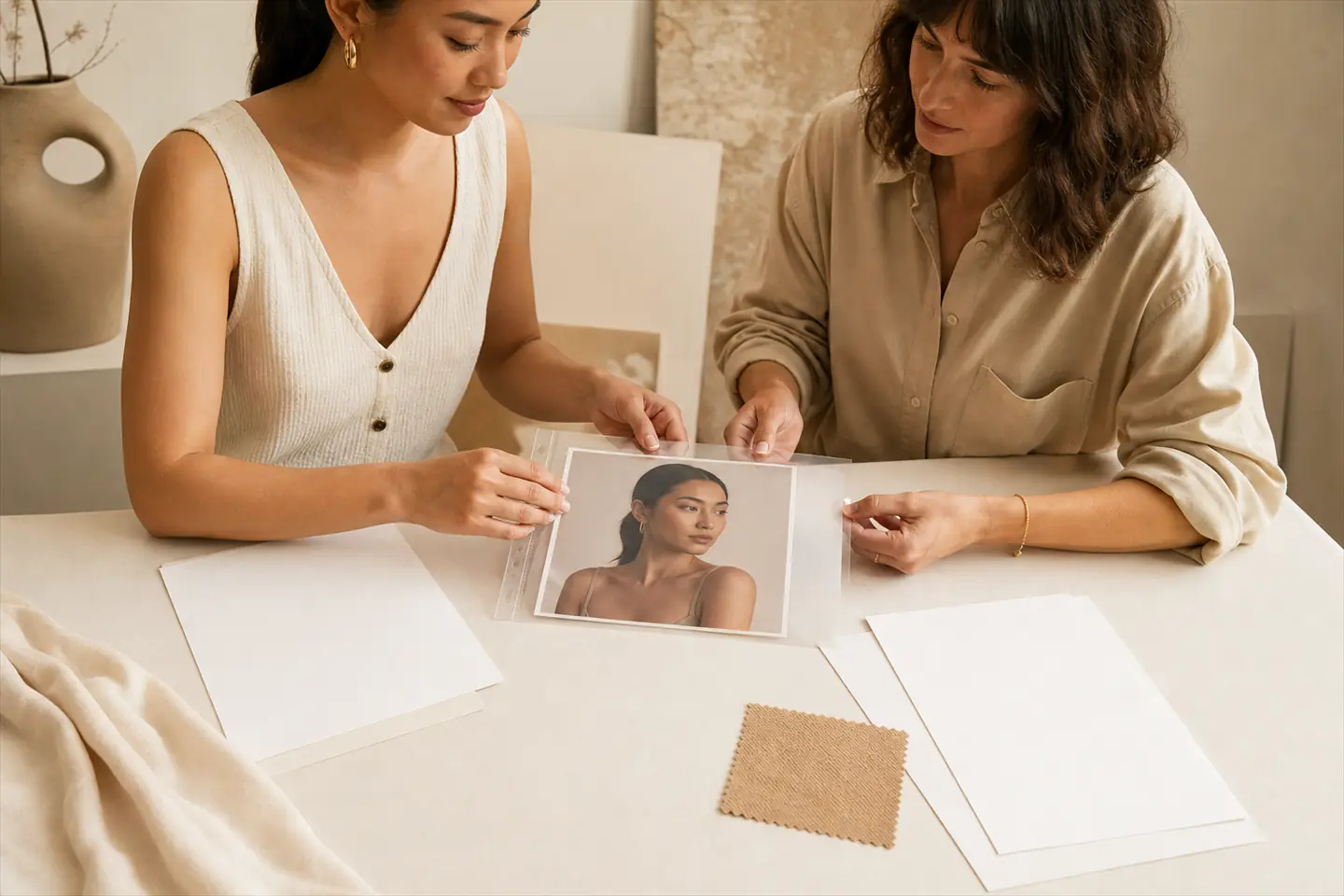
Only with their written consent, and the label still applies. The guidelines count digital replicas of real people as persons, so a replica of your founder or a friend needs the same disclosure as a generated model. In the EU a photo of an identifiable person is also personal data under the GDPR, with everything that implies.
Videlia lets you upload your own model image and reuse it across the catalogue, which is how a brand keeps one consistent face without a recurring shoot. Before you upload anyone, get consent in writing that names AI use and where the images will appear, keep it on file, and agree what happens to the images if the person later withdraws it. Never upload a public figure, or anyone who has not agreed. H&M's arrangement is the standard worth copying: consent, ownership and payment settled before the first image.
What does it cost to start?
For most clothing brands, less than a single shoot, but compare tools on the cost of a usable result rather than the price of a generation. A cheap tool that needs four attempts per product costs more than a dearer one that needs one. Most tools in this category have a free tier, so test on your hardest product first.
On Videlia, the Free plan's 10 credits a month is ten try-on stills or three five-second videos, at 720p with a watermark. Lite is $9 a month for 15 credits, which is five finished videos, and every tier is laid out in the plan breakdown. The method for testing tools against each other on your own catalogue is in how to choose an AI model video app.
Disclosure. Videlia makes AI model videos from Shopify product photos, so we have an interest in you using AI models, and in you using them in a way that does not end in a backlash. The labelling section follows the Commission's published guidelines. The product claims are the credit prices and the product page label, both checked against the app on 28 September 2026. Every image in this article is AI-generated.
Put one garment on a model, and label it.
Ten free credits a month is ten try-on stills, or three finished videos. The product page label is on by default.