
What is a fashion lookbook, and how do you make one?
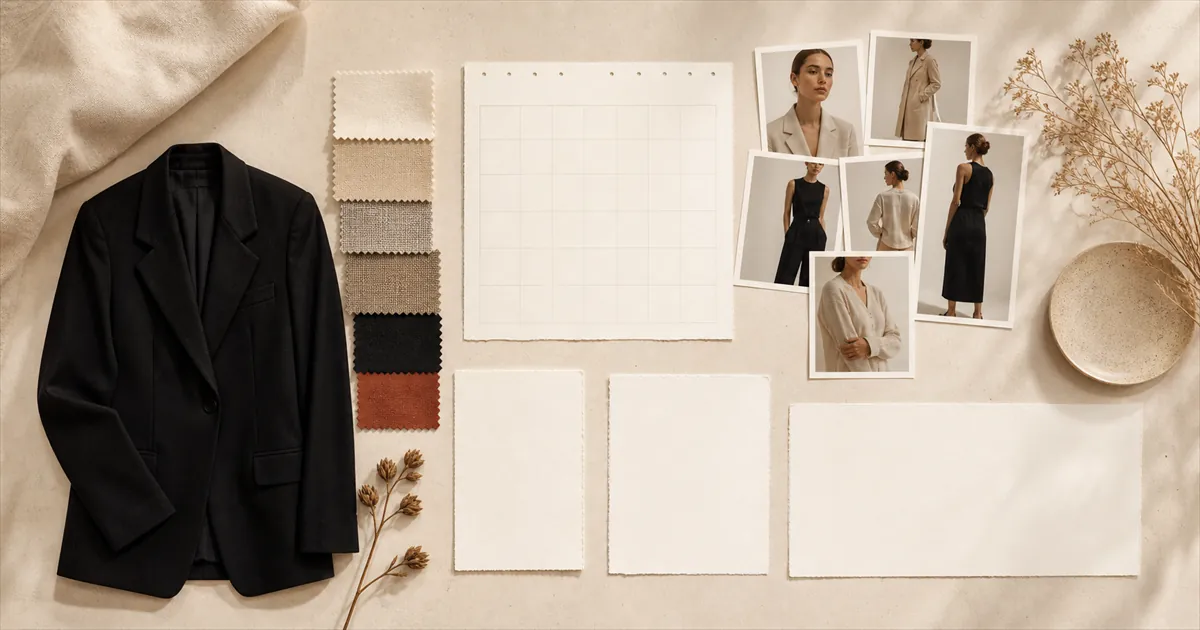
A fashion lookbook is a set of photographs, or a short film, that shows a collection worn as complete, styled outfits. It sells the idea of the collection rather than any single product: how the pieces go together, who wears them and the mood they belong to. A product page answers what a garment is. A lookbook answers what to wear it with.
This guide covers what a lookbook is for, how it differs from a catalogue, a line sheet and a product page, what goes in one, how to make one in seven steps, what the photography costs against AI-generated models, and where to publish it: as a page on your store, a PDF for buyers, or short vertical video. Prices and app details were checked on 6 November 2026.
What is a lookbook?
A lookbook is a curated set of images or video that presents a clothing collection as finished outfits on models. Brands make one each season to show customers, buyers and press how the collection is meant to be worn. It is a styling document, not a price list, so it carries look numbers and product names rather than prices.
The format comes from wholesale. A designer shows a collection, and the lookbook is what the buyer and the editor take away afterwards: one look per page, numbered, in the order the looks were shown. Direct-to-consumer brands kept the format and changed the reader. On a Shopify store, a lookbook is usually a page of styled looks with every look linked to the products in it, or a run of short vertical clips on social. The word is also used in film, where a lookbook sets the visual tone of a project for financiers. That is a different document with the same name.
How is a lookbook different from a catalogue, a line sheet or a product page?
A lookbook sells the outfit and the mood. A catalogue sells the whole range, with prices. A line sheet gives wholesale buyers what they need to order: style numbers, colours, sizes, prices and delivery dates. A product page sells one item and answers every question about it. Most brands need two or three of these, and merging them weakens each.
| Lookbook | Line sheet | Catalogue | Product page | |
|---|---|---|---|---|
| Main job | Show how the pieces are worn together | Let a buyer place a wholesale order | Show the full range to buy from | Sell one product |
| Reader | Shoppers, buyers and press | Wholesale buyers | Shoppers | Shoppers |
| Images | Styled full-length looks on models | Small product shots, often flat | Products, often on models | Every angle, details, ideally video |
| Prices | Usually none | Wholesale and retail | Retail | Retail |
| Where it lives | A store page, a PDF, social | A PDF or spreadsheet | Print or PDF | The product URL |
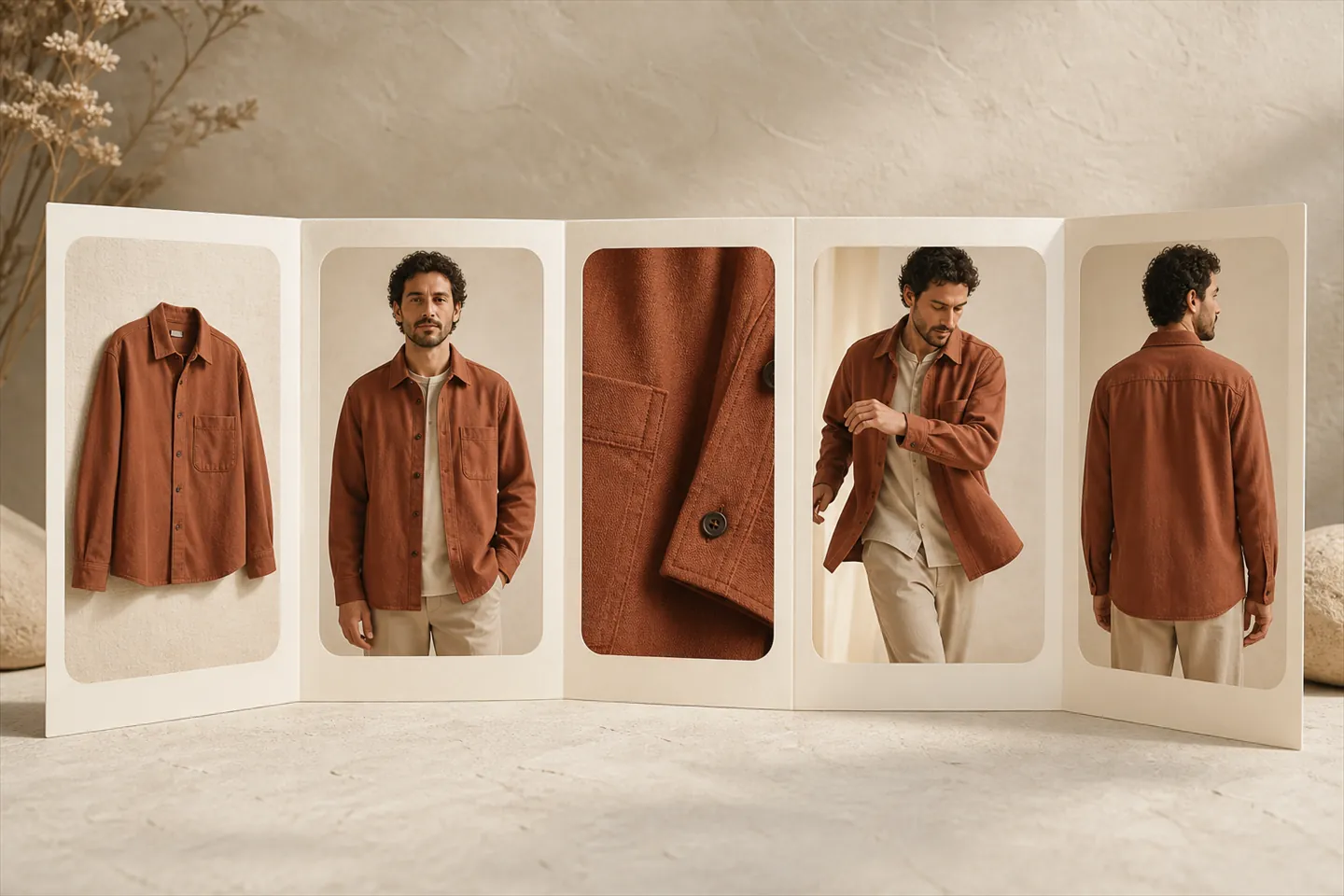
The confusion that costs most is between the lookbook and the product page. A product page has to show one garment exhaustively: flat, worn, in detail, from behind and ideally moving. A lookbook shows the garment once or twice, in context, and leaves the detail to the product page it links to. If your lookbook images are strong enough to do both jobs, use them on the product pages as well, but plan them as lookbook images first.
What should a lookbook include?
A cover with the collection name and season, a short note on the idea behind it, the looks themselves, numbered and shot full length, the pieces in each look, and a way to act on what the reader has seen: product links on a store page, or ordering details in a wholesale PDF. Detail shots and credits are optional.
- A cover. The collection name, the season or drop, and one image that sets the tone.
- A short story. Two or three sentences on the idea: a place, a mood, a fabric. It also gives search engines and AI assistants something to read, which a lookbook made only of images lacks.
- The looks. Numbered, full length, one look per page or screen. Every piece in the collection should appear in at least one.
- What is in each look. The product names and colours, and on a store page a link to each product.
- Details and movement. A close-up of a fabric or fastening, or a short clip, where a look depends on something a still cannot show.
- A closing page. Where to buy, or for wholesale, who to contact and when orders close.
How do you make a lookbook, step by step?
Decide who it is for, edit the collection into outfits, set the visual rules, cast, produce the images, sequence them, then publish in the formats your reader uses. The decisions made before the shoot matter more than the shoot itself, because a lookbook is judged as a set, and a set only holds together if it was planned as one.
1. Decide who it is for
A lookbook for shoppers lives on your store and links to products. One for wholesale buyers is a PDF that travels with a line sheet. One for press needs high-resolution files and credits. The reader decides the format, whether prices appear and how many images you need, so settle it before anything else.
2. Edit the collection into looks
Lay the collection out and build outfits until every piece appears at least once, with the pieces you most want to sell appearing more than once, in different combinations. Write it down as a look list: the look number, every piece in it with its product name or SKU, and the shots that look needs. The look list is the brief for the shoot and the index of the finished lookbook.
3. Set the visual rules
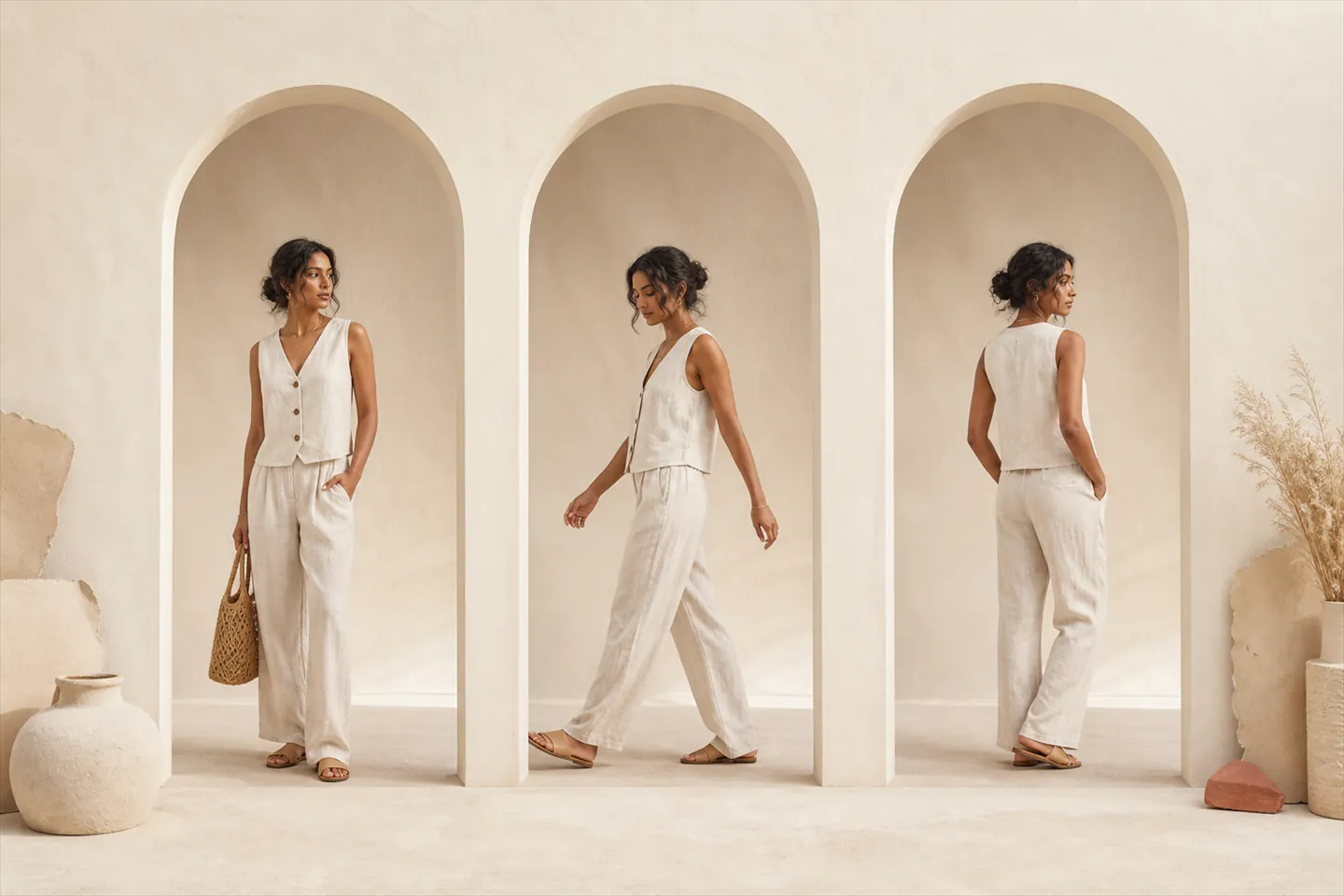
Pick one location or backdrop, one lighting treatment and one crop, usually full length with a little room above the head, and hold them across every look. Consistency is what turns twenty photographs into one lookbook. Backdrops that change from look to look read as several shoots stitched together, unless the change is the story, such as day turning to night.
4. Cast
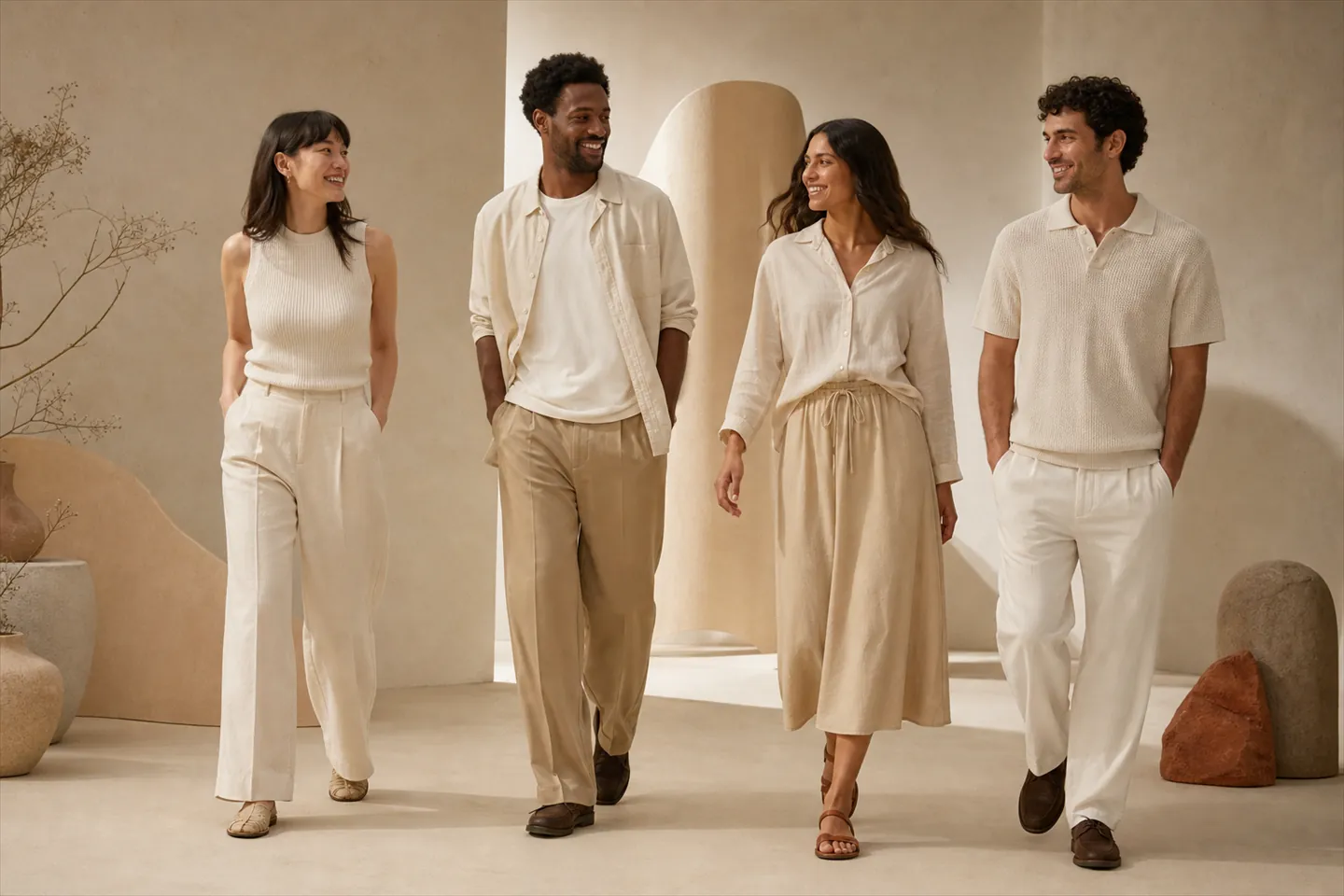
Decide whether one model carries the whole lookbook or several do. One model makes the collection read as a single wardrobe. Several, across body types, show the range of people the clothes are cut for, which is the more useful message to a shopper deciding on a size. Either way, keep each model consistent across the looks they appear in.
5. Produce the images
For each look, plan a full-length front image, a second angle or a movement shot, and a detail wherever the fabric or a fastening matters. Work through the look list in order, and check each look against it before moving on: a missing belt or the wrong colourway is cheap to fix on the day and expensive afterwards. The section after these steps compares shooting the images with generating them.
6. Sequence and lay out
Open with the strongest look. Then group the rest by story, colour or occasion, so the eye moves through the collection rather than jumping around it. Break up long runs of full-length images with a detail or a short clip. Number the looks in their final order, and update the look list to match, because buyers and customers will refer to looks by number.
7. Publish
Export every format from the same set of images: a page on your store, a PDF, and vertical video for social. Each one has its own rules, covered in the last section below.
Should you shoot a lookbook or use AI models?
Shoot it when the lookbook is the campaign: a new season, a location, or styling that depends on outfits built from several products. Use AI models when you need on-model looks across many products quickly, or for a capsule that does not justify a shoot. Many brands do both: a shoot for the hero looks, generated looks for the rest.
The cost gap is wide. Squareshot, the US studio whose prices we compared in ghost mannequin vs flat lay, listed on-model clothing photography from $150 an image when we checked on 30 October 2026. A twelve-look lookbook at two images a look is 24 images, so $3,600 at that starting rate, before add-ons. In Videlia, an on-model try-on still costs one credit, and a five second clip with its still included costs three, so the same twelve looks as a still and a clip each come to 36 credits. The Starter plan includes 60 credits a month for $29.
| Approach | What you get | Cost |
|---|---|---|
| Studio, on a model | 24 images, two a look | From $3,600 |
| Videlia, stills only | 12 on-model stills | 12 credits |
| Videlia, still and clip | 12 stills and 12 five second clips | 36 credits, within Starter's 60 a month |
The limit is the outfit. Videlia puts one product on a model per generation: a top, a bottom, or a one-piece such as a dress or jumpsuit, which the app's garment setting calls a full outfit. Whatever else the model is wearing comes from the model image. That suits looks built around one hero piece, and it suits looks made from several separately photographed products least well. If a look depends on a particular pairing of separate pieces, put that look in the shoot.
Consistency is the part AI handles well. Pick one model from the gallery, or upload your own model image on a paid plan, and use it for every look, with the same scene. That covers steps three and four above without booking anyone. The products still need clean photos to start from, flat or on a mannequin.
Generated people in a lookbook need a visible label for shoppers in the EU. The AI Act's transparency rules have applied since 2 August 2026, and what they ask of a clothing brand is set out in what the EU labelling rule asks of a clothing brand. On a lookbook page, the simplest approach is a plain "AI-generated" line on or beside each image, and in the caption of every social post.
Where should a lookbook live: a page, a PDF or video?
On your own store first, as a page where every look links to its products, because that is the only format a shopper can buy from directly. Make a PDF from the same images for wholesale buyers and press, and cut short vertical clips for Instagram and TikTok. One set of looks, three exports, each with its own rules.
As a page on your Shopify store
Create a page and build it from your theme's standard sections: an image banner for the cover, image grids for the looks and a video section if you have clips. Link every look to the products in it. Give each look a line of real text, its number and what is in it, because a page made only of images gives Google and AI assistants nothing to read. When the season ends, keep the URL and update it for the next collection, or redirect it, rather than deleting it.
For video on the page, Videlia's theme block works on any page, not only product pages: paste a clip's URL into its settings and it plays that clip, with its "AI-generated video" label on by default.
As a PDF for buyers and press
Lay out one look per page, in the final order, with look numbers and product names, and keep the file small enough to send by email. Send it alongside the line sheet rather than merging the two: the lookbook persuades, the line sheet takes the order. Flipbook tools can turn the same PDF into a page-turning web version if you would rather send a link than an attachment.
As video for social
A video lookbook is a run of short clips, one per look, of a model walking or turning in the outfit, cut in 9:16 for Reels and TikTok. Movement shows what a still cannot: how a skirt swings, or how a coat falls open. Videlia renders five and ten second clips in 9:16 on every plan, and in 1:1 and 16:9 on paid plans, which covers vertical clips for TikTok and Reels and a landscape banner for the lookbook page from the same generation.
What to check before you publish a lookbook
- Coverage. Every piece in the collection appears in at least one look.
- Accuracy. Every look matches the look list: the right pieces, in the right colourways.
- Consistency. Backdrop, light and crop hold across the whole set.
- Links. On the store page, every look links to its products, and every link works.
- Text. The page has words on it: a short story, look numbers and product names.
- Labels. Generated people are marked as AI-generated, on the page and on social.
- Weight. Images are compressed for the web. A lookbook page is image-heavy by nature, and a slow one loses the shoppers it was made for.
Disclosure. Videlia makes AI model photos and video for Shopify fashion stores, so we have an interest in the AI side of the comparison above, and we have tried to be plain about where a shoot is the better choice. The studio price is from Squareshot's own pages, read on 30 October 2026; Squareshot was not involved in this article. Credit costs, plan allowances, the one-product-per-generation limit and how the theme block behaves on pages other than product pages were checked against the Videlia app on 6 November 2026. Every image in this article is AI-generated.
About lookbooks.
How many looks should a lookbook have?
Enough for every piece in the collection to appear at least once, which matters more than any target number. A capsule of a dozen pieces might need eight looks; a full seasonal collection, several times that. If a piece appears in no look, either style it into one or ask whether it belongs in the collection at all.
Should a lookbook show prices?
A lookbook for shoppers on your store does not need to, because each look links to product pages that already carry the price. A wholesale lookbook usually leaves prices to the line sheet that travels with it. Put prices in the lookbook itself only when it is the one document a buyer will ever see.
What is a digital lookbook?
A lookbook published online rather than printed: a page on your store, an interactive PDF or flipbook, or a run of short videos on social. Its advantage over print is that every look can link straight to the products in it, so a shopper can go from an outfit they like to buying it in one tap.
Can you make a lookbook without a photoshoot?
Yes, if your products are already photographed flat or on a mannequin. AI model tools put each product on a generated model, and using the same model and scene across the set gives it the consistency a lookbook needs. Looks built from several separately photographed products are the hard case, and those still suit a shoot.
Do you need model releases for a lookbook?
For real models, yes: a signed release covering where the images will appear, including ads if you plan to run them. A generated model is not a real person, so there is no one to sign, but the images need an AI-generated label in the EU. Uploading a real person's photo as a model needs their consent too.
Put this season's pieces on a model.
Ten free credits a month is ten try-on stills. Flat lays and mannequin shots both work.